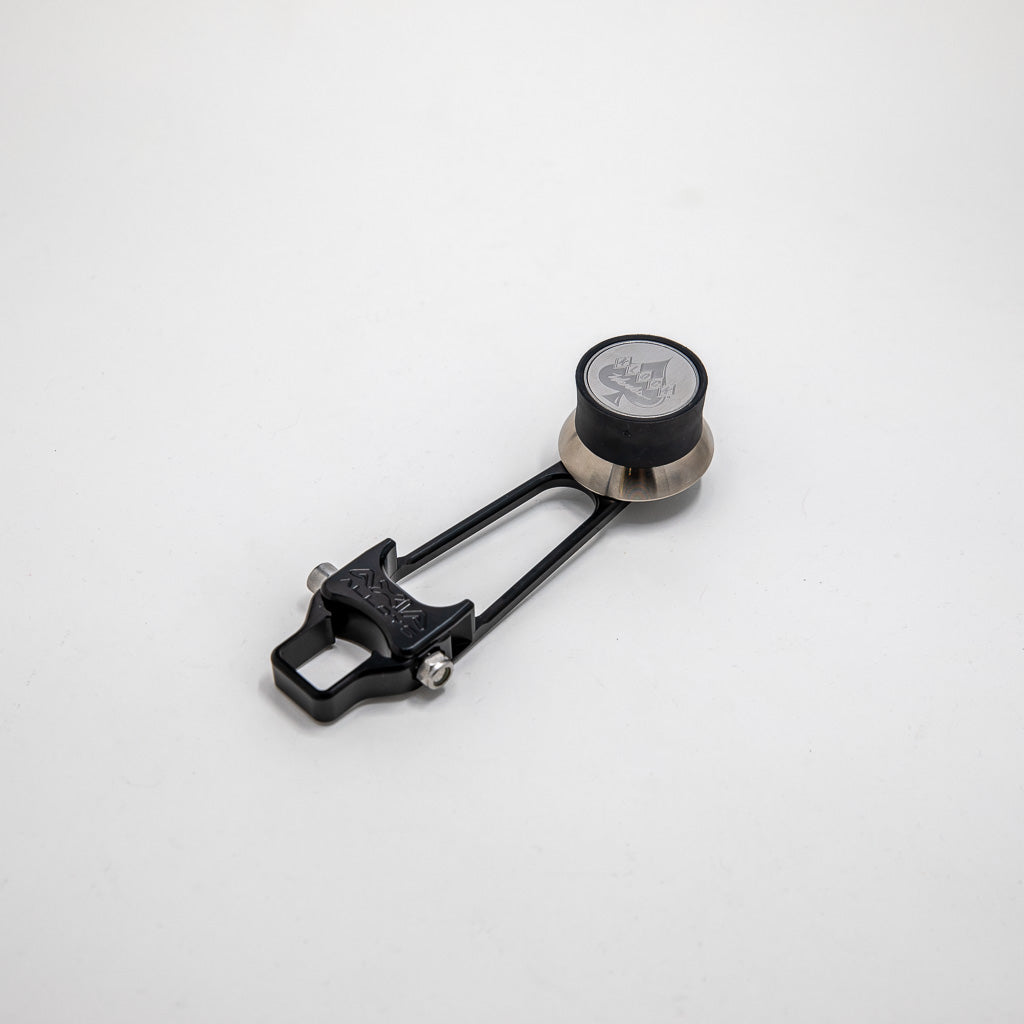
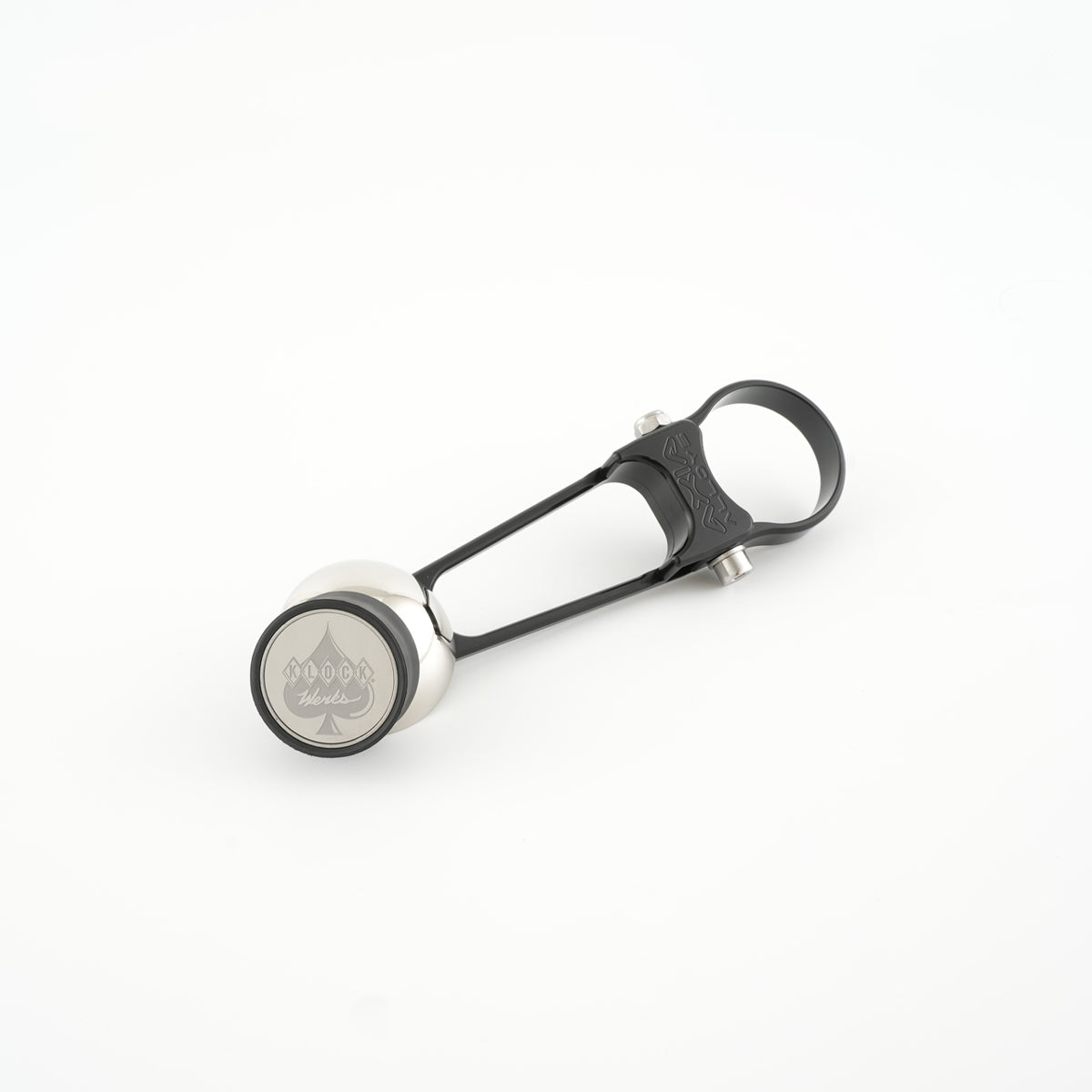
iOmounts® Magnetic Phone Mounting System
Get to Know the iOmounts® Magnetic Phone Mount System
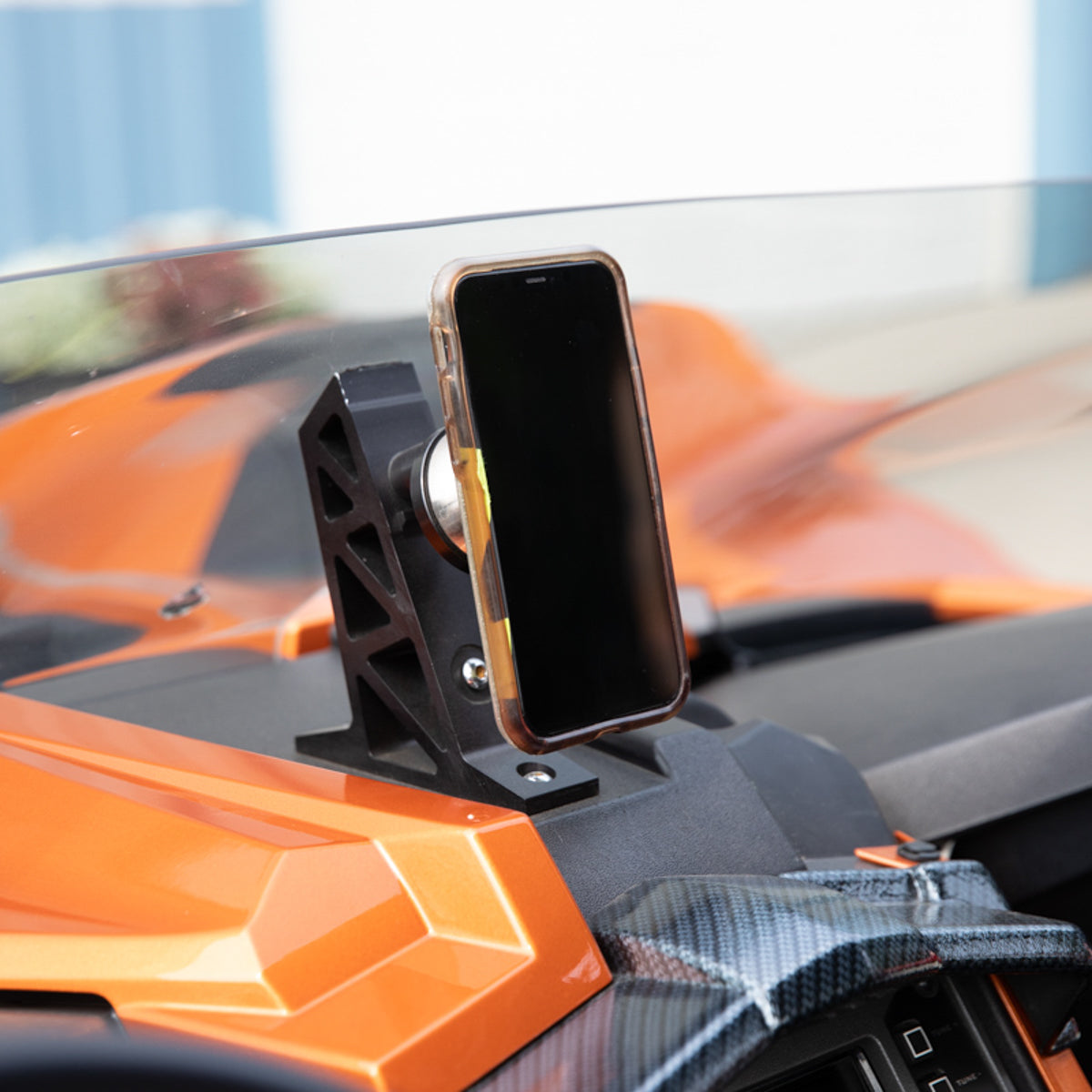
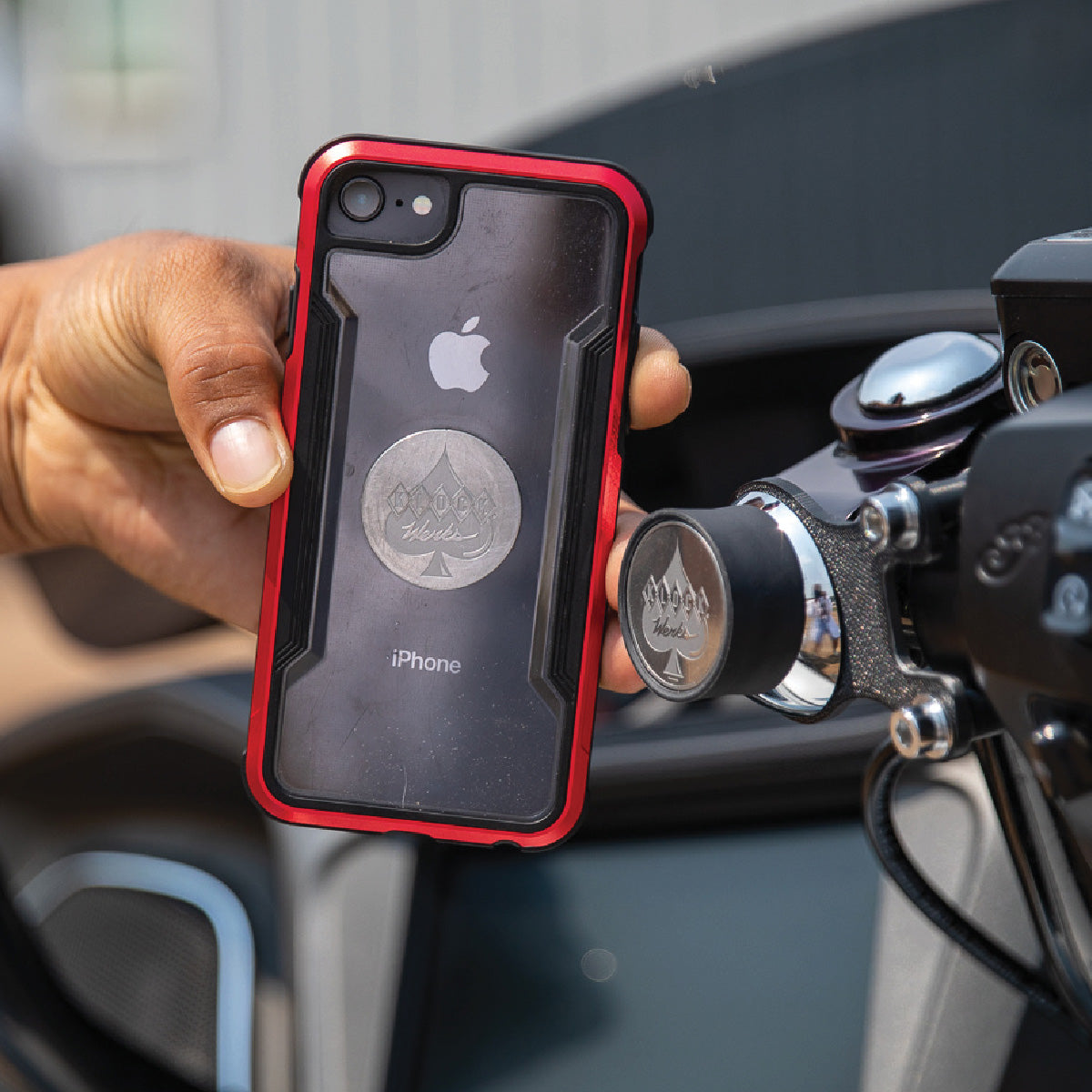
The iOmounts® magnetic mounting system from Klock Werks is designed to securely hold phones, tablets, and GPS devices across motorcycles, off road vehicles, vehicles, homes, workspaces and beyond. Using a patented magnetic interface, the system delivers fast one handed mounting, strong device hold, and a clean steel low profile look without bulky clamps. Learn how the system works, where mounts can be placed, and how to build the right system for your lifestyle.
How the iOmounts® Magnetic System Works
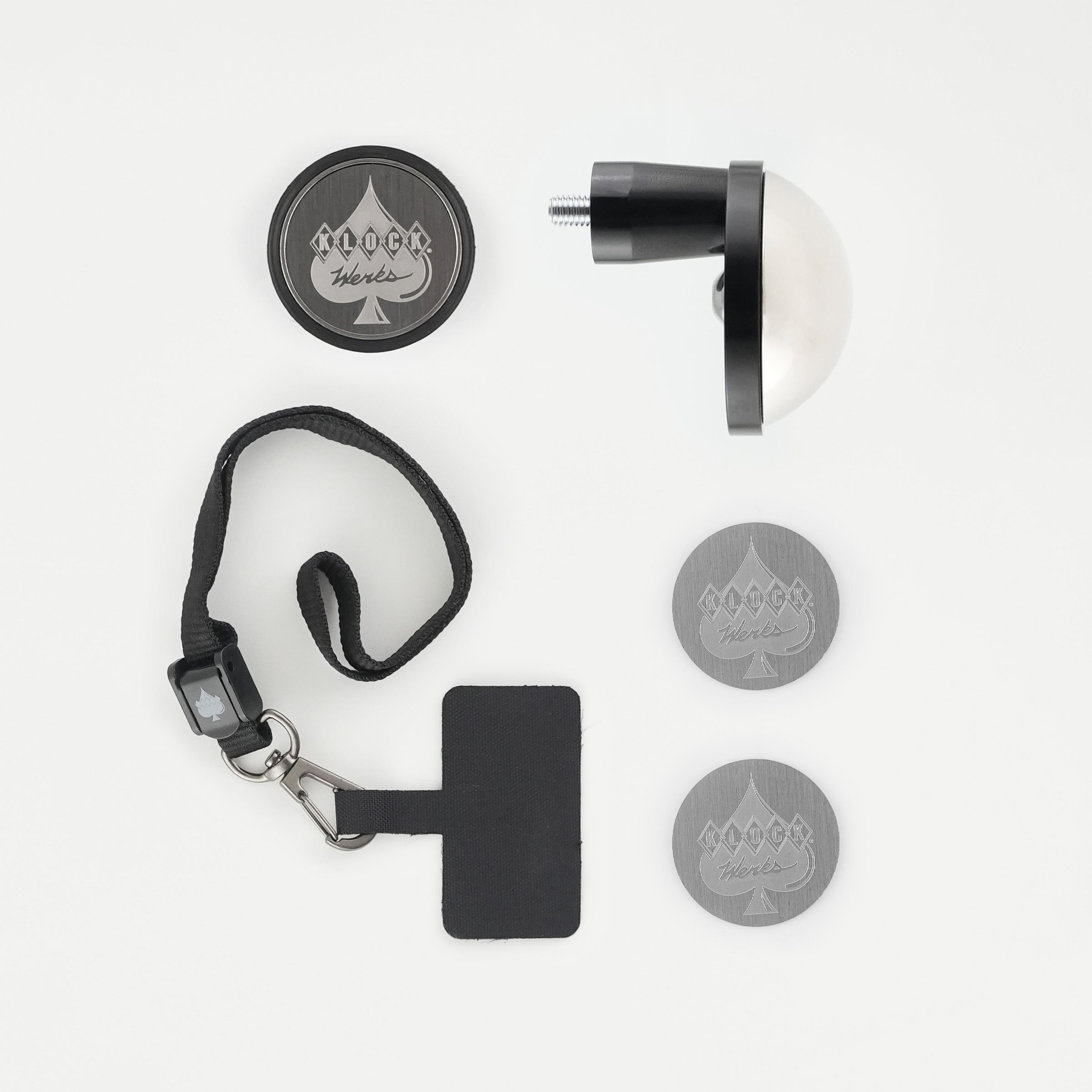
At the core of the system are two components:
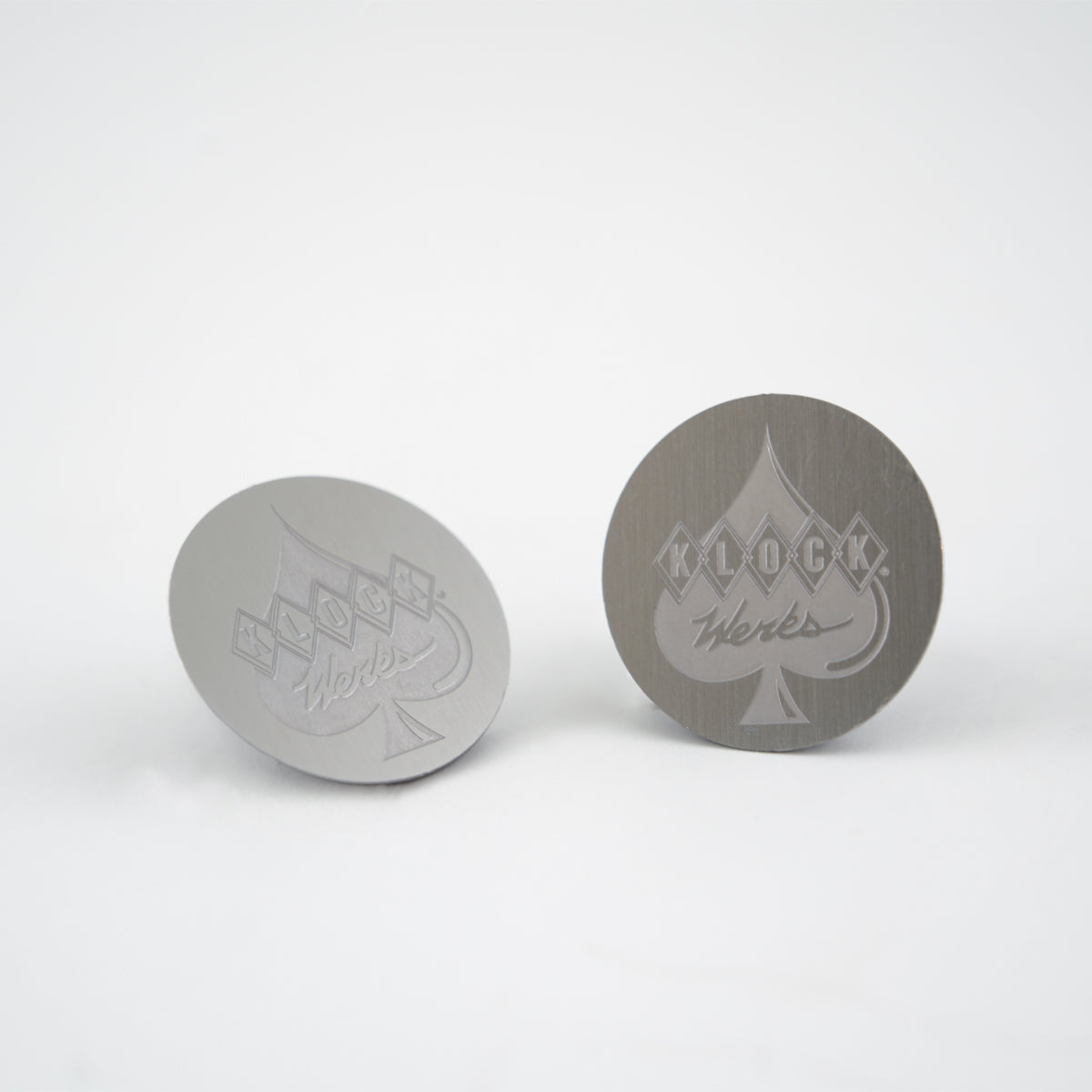
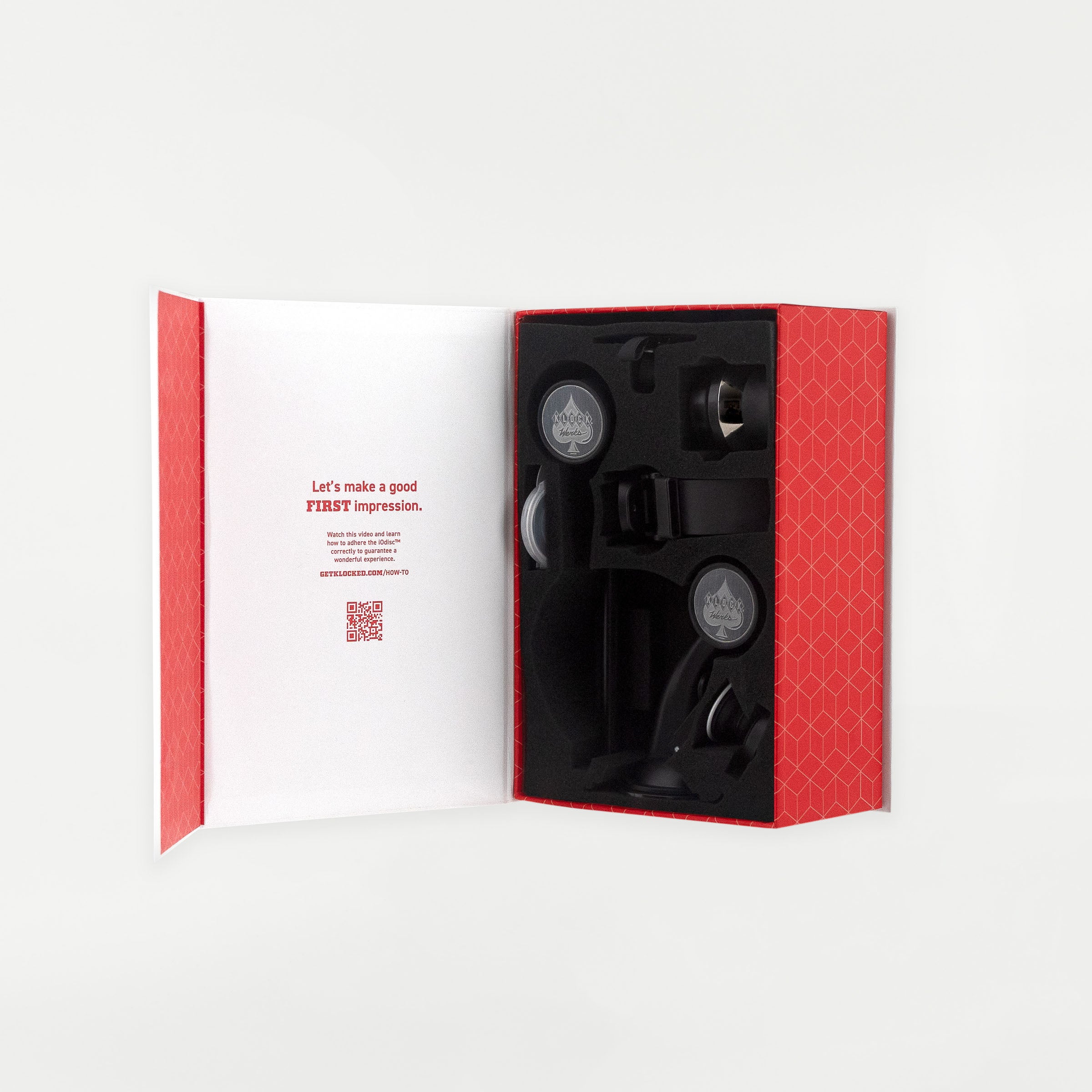
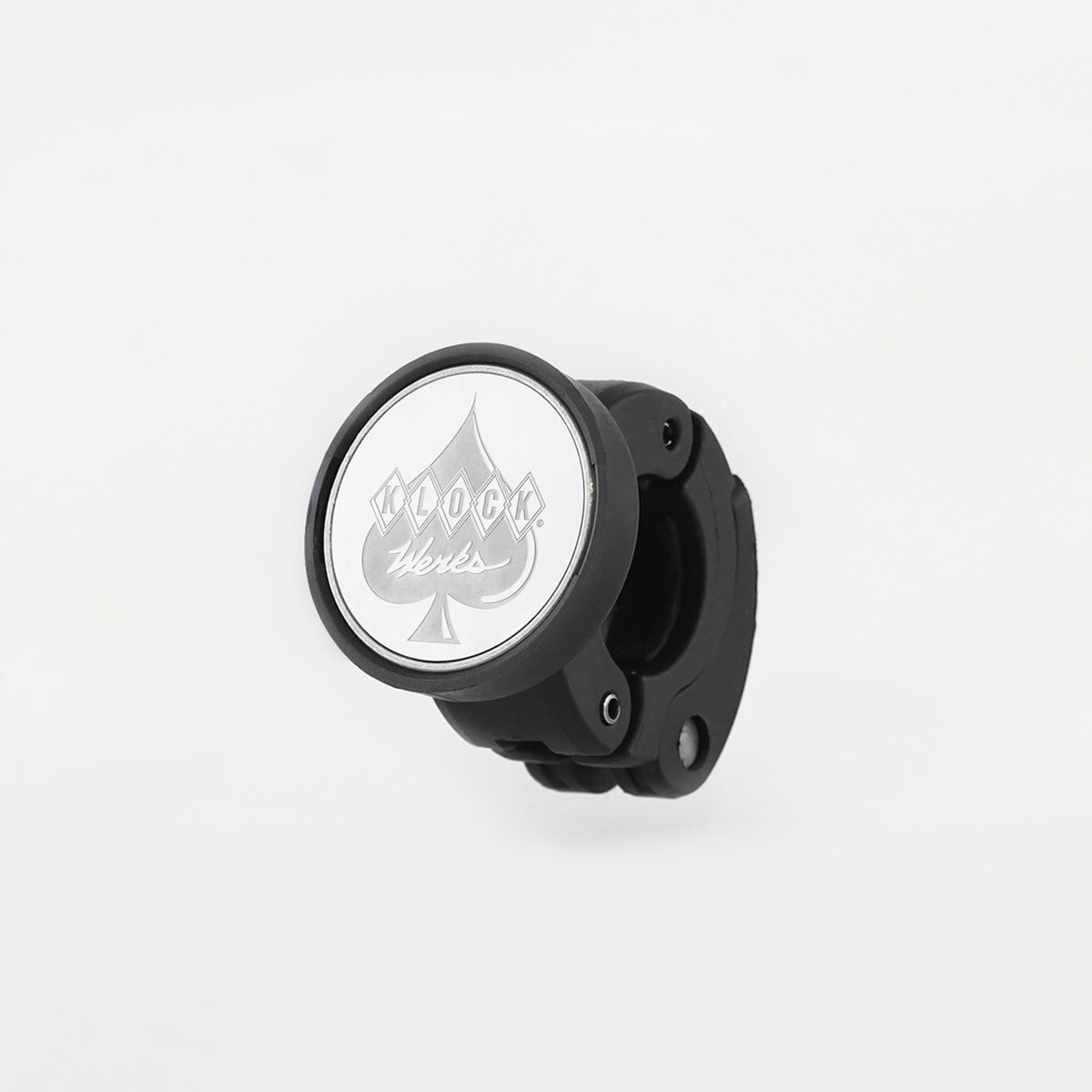
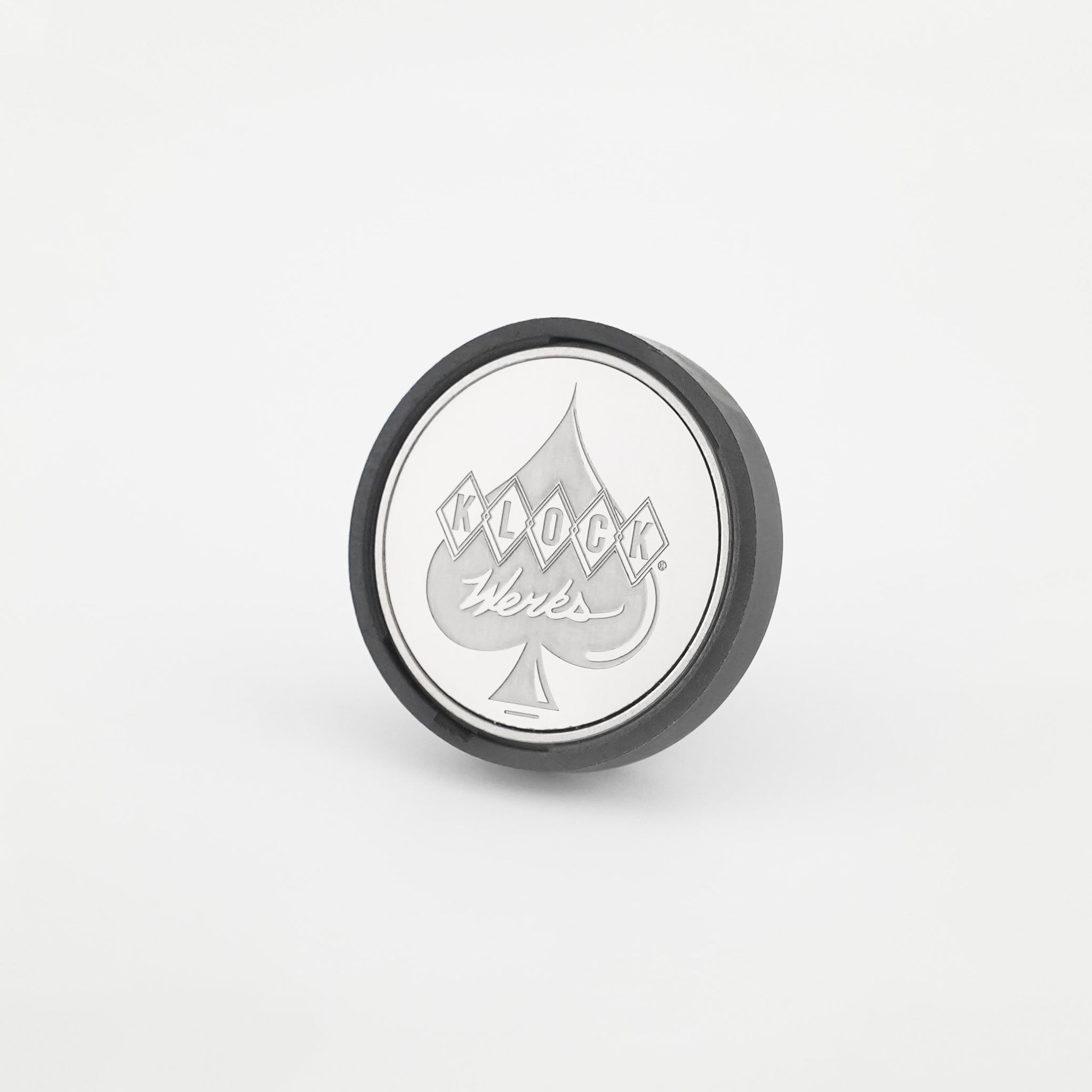
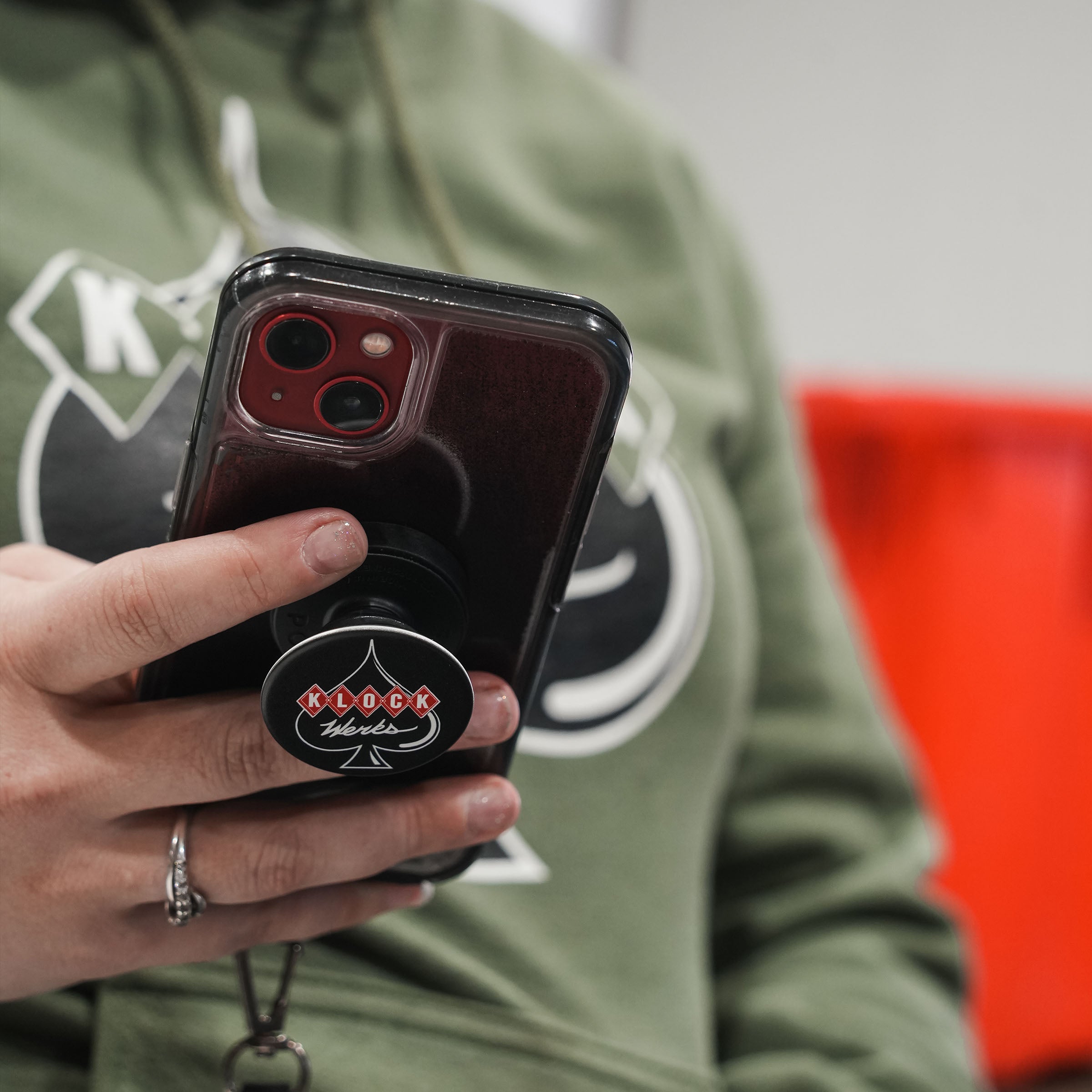
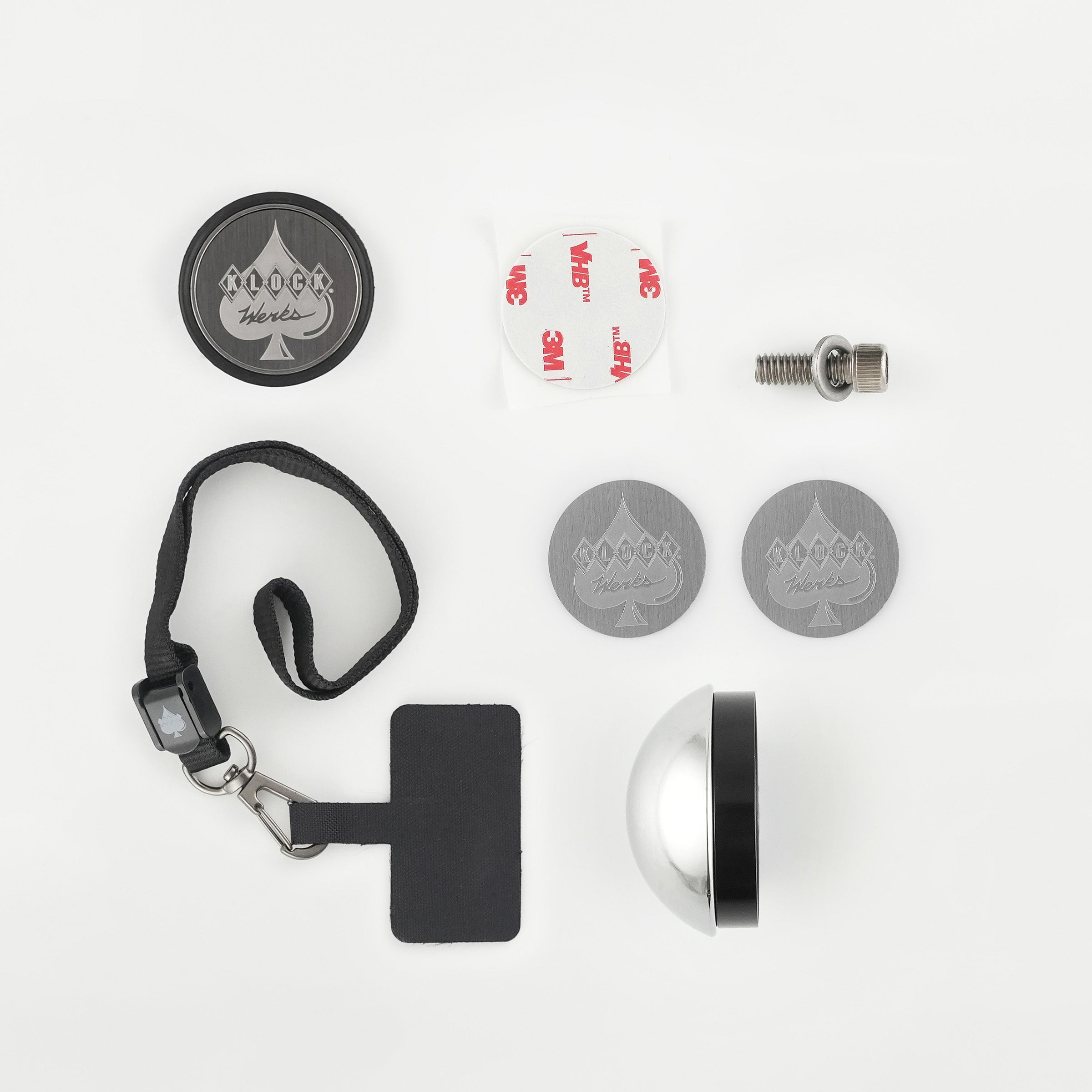
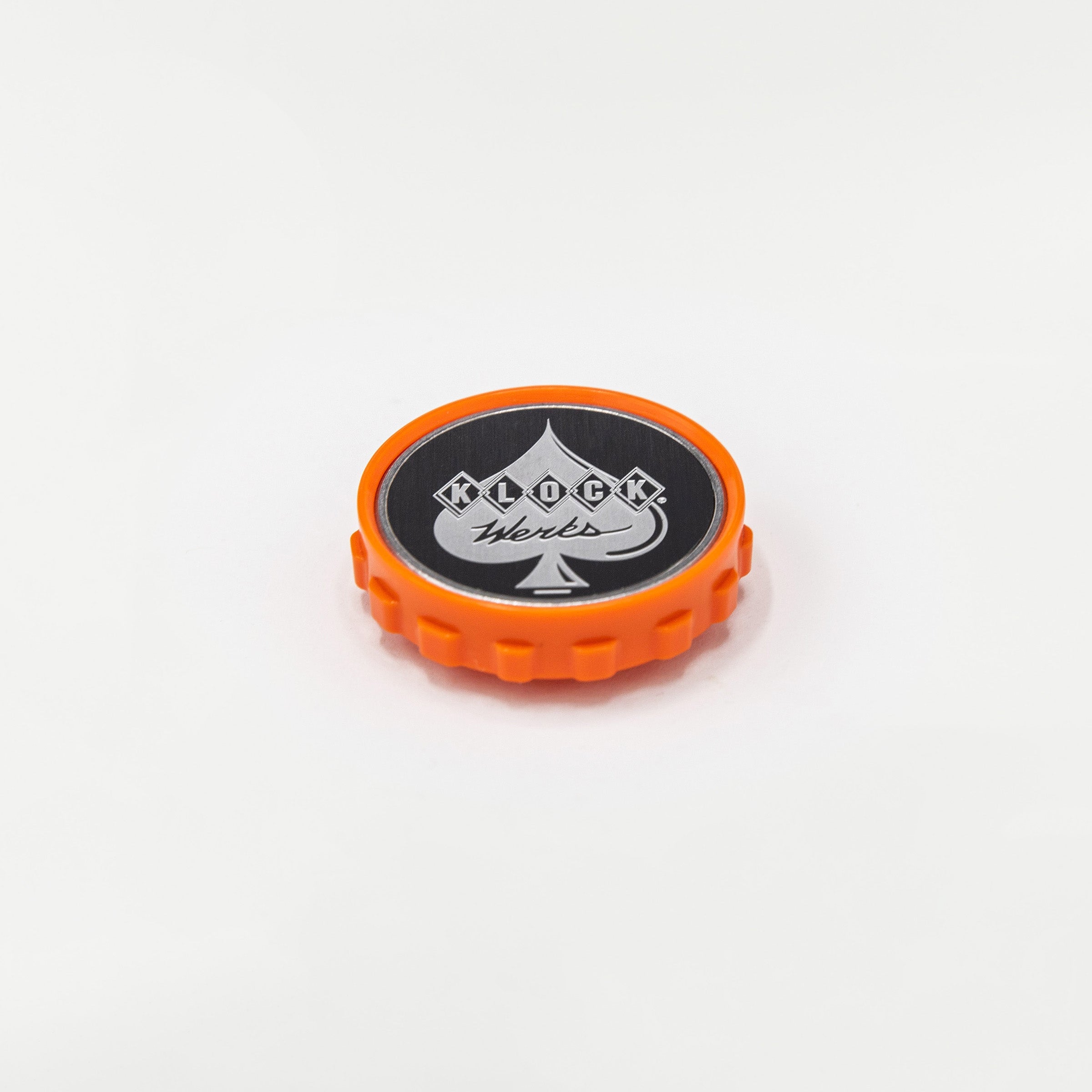
- The iOdisc™ attaches to your existing device or case
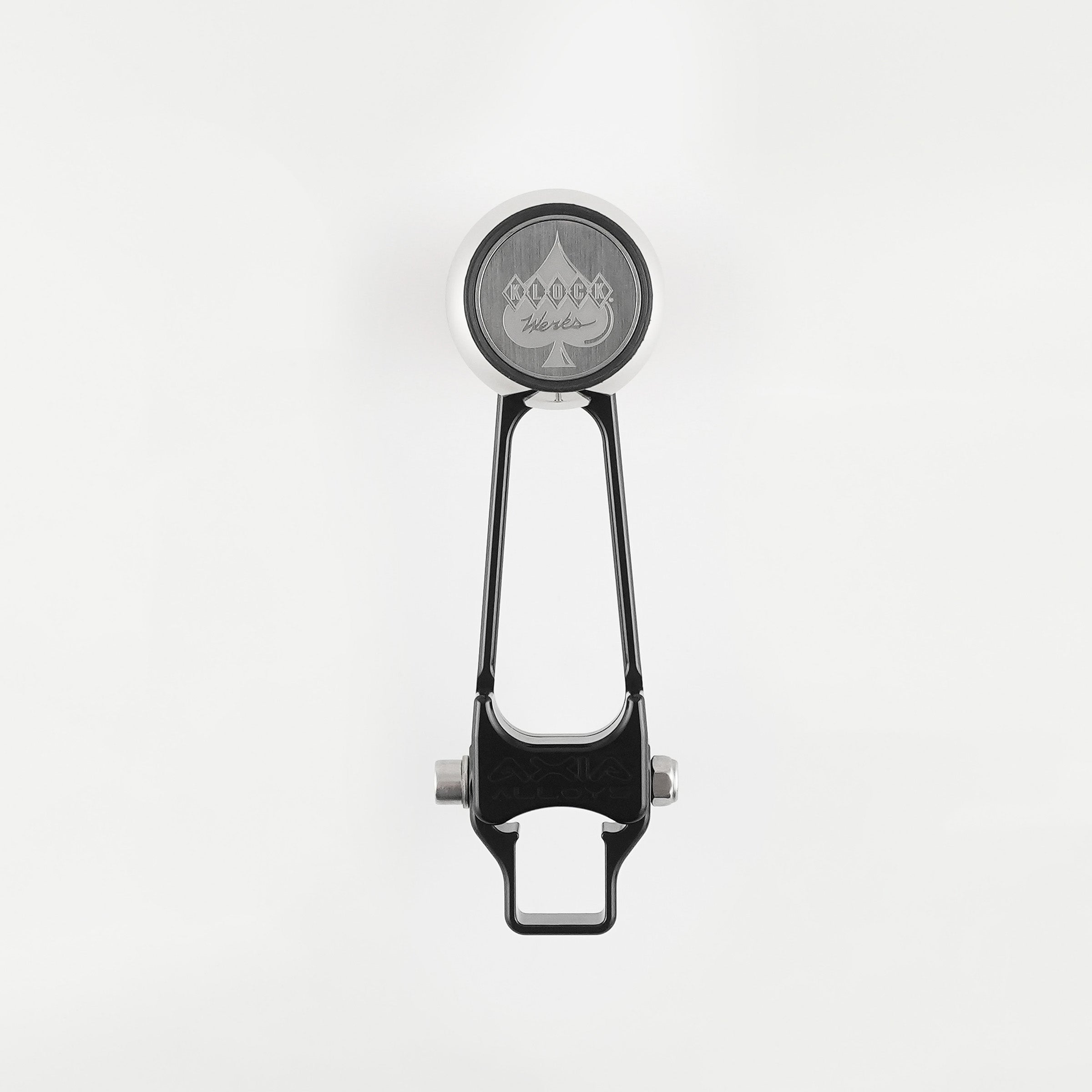
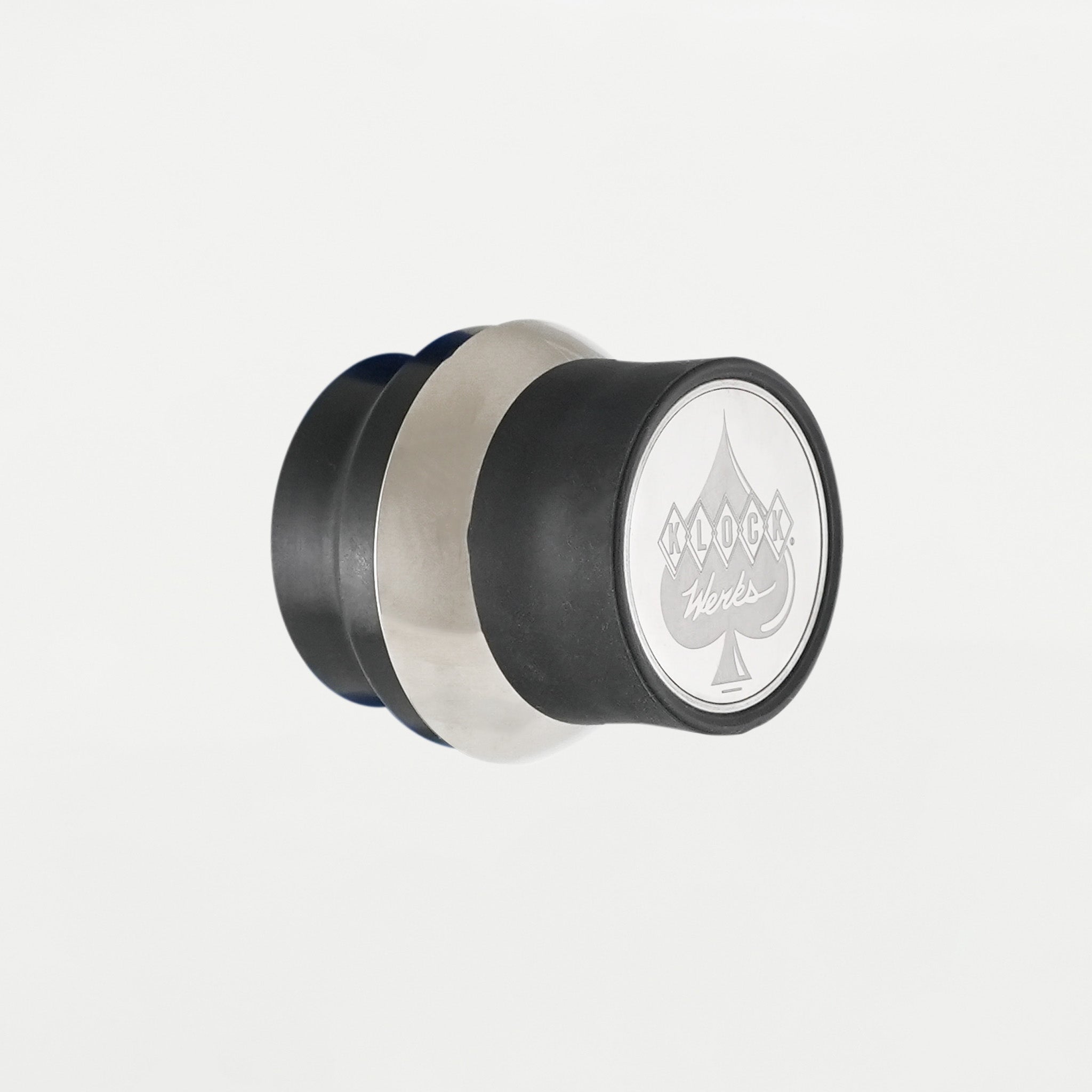
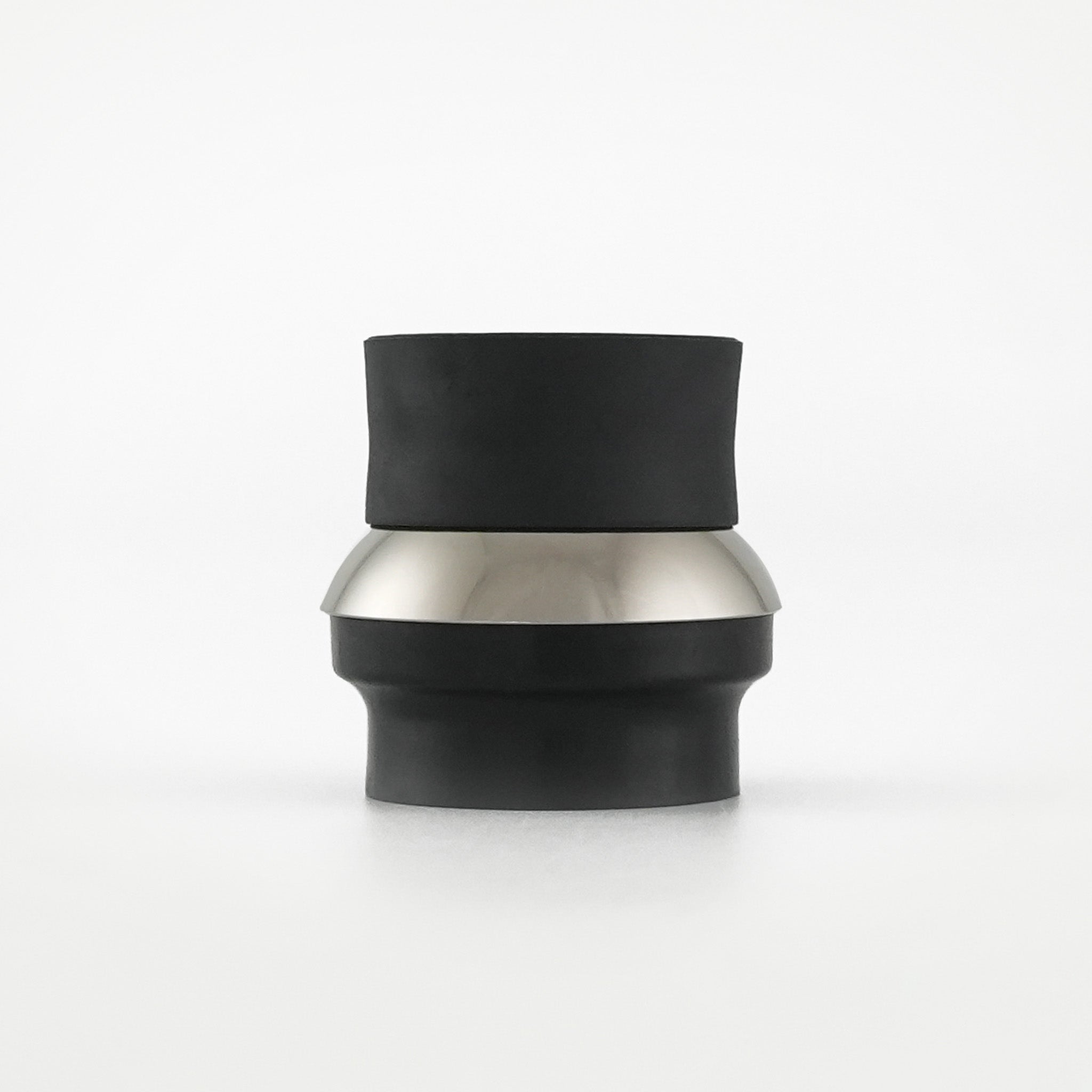
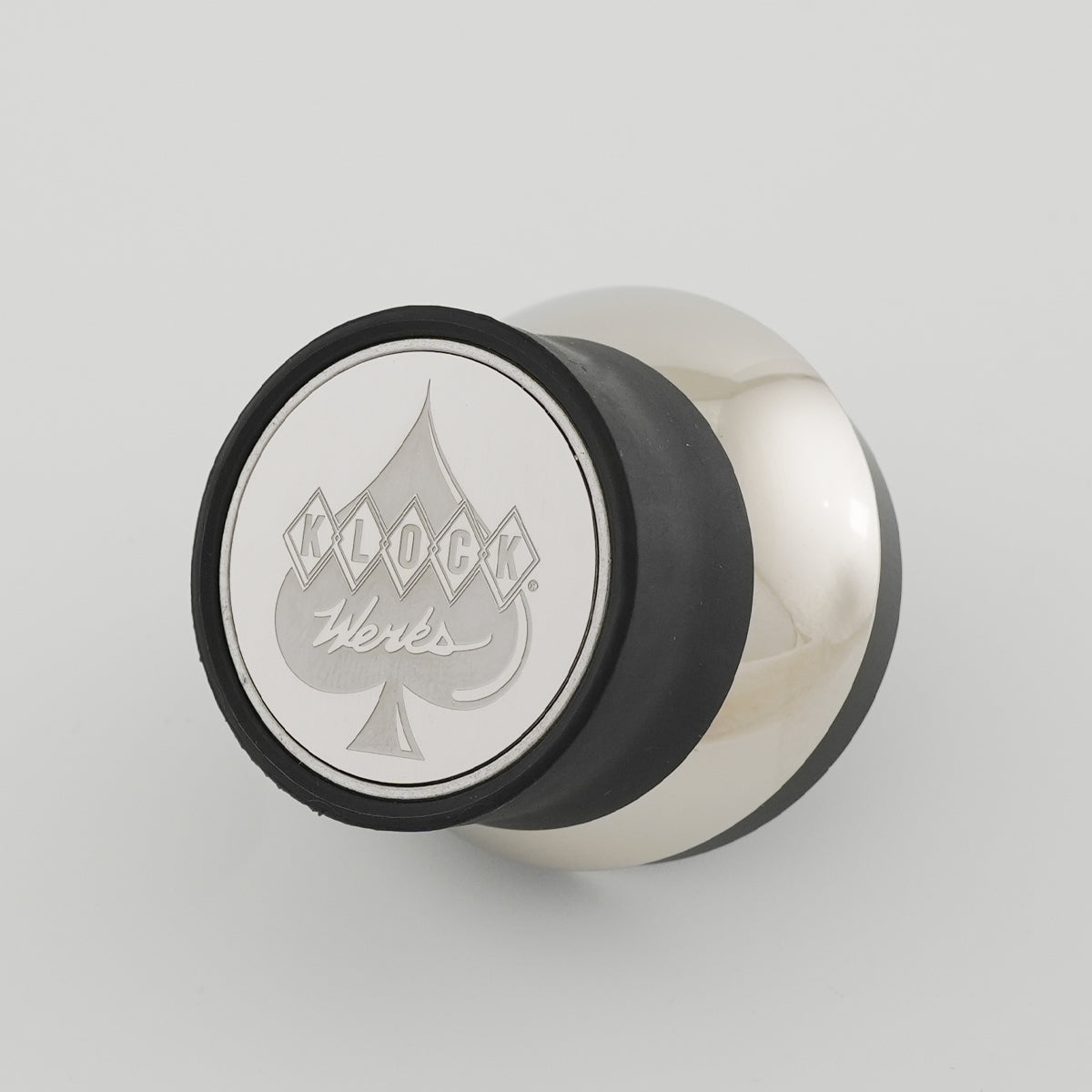
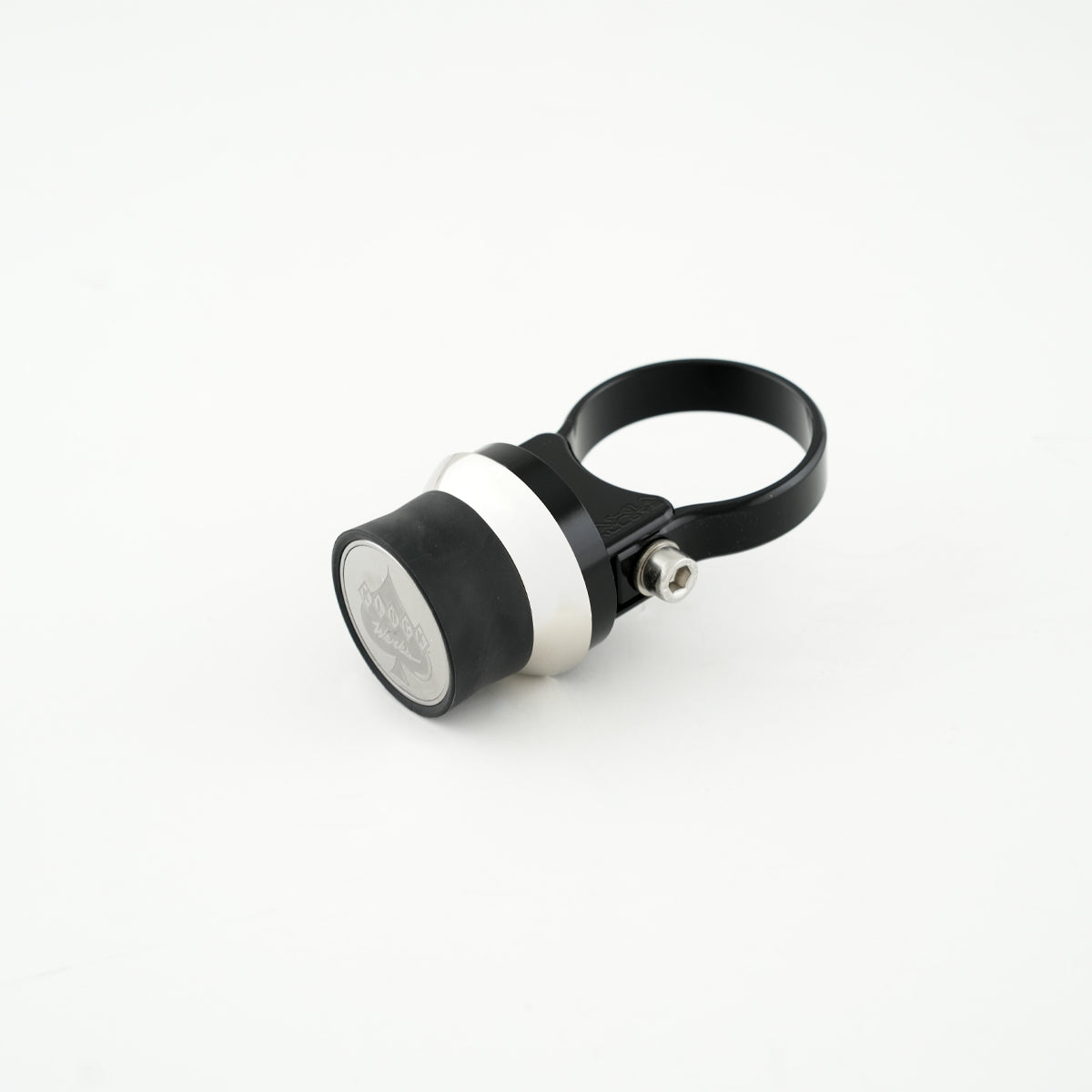
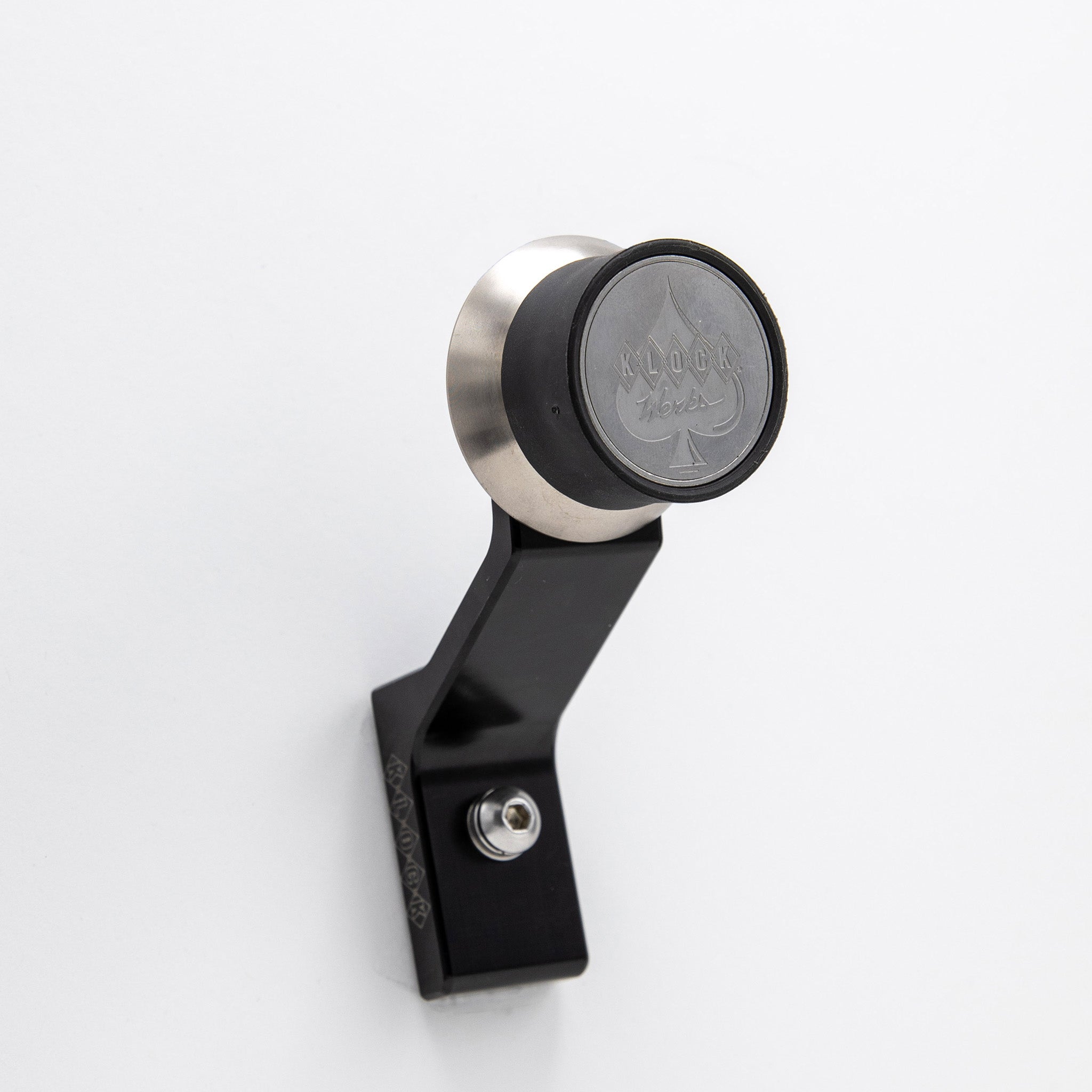
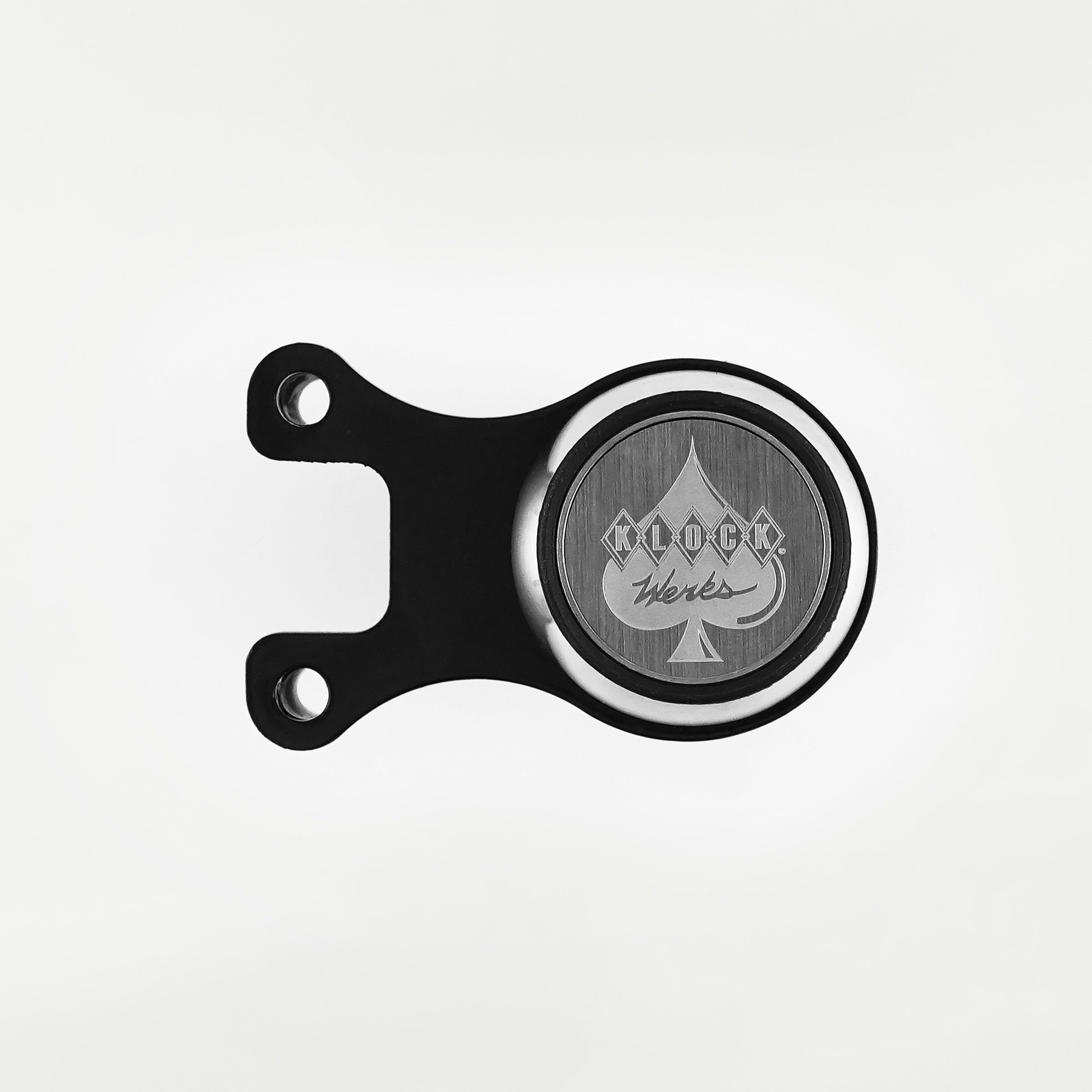
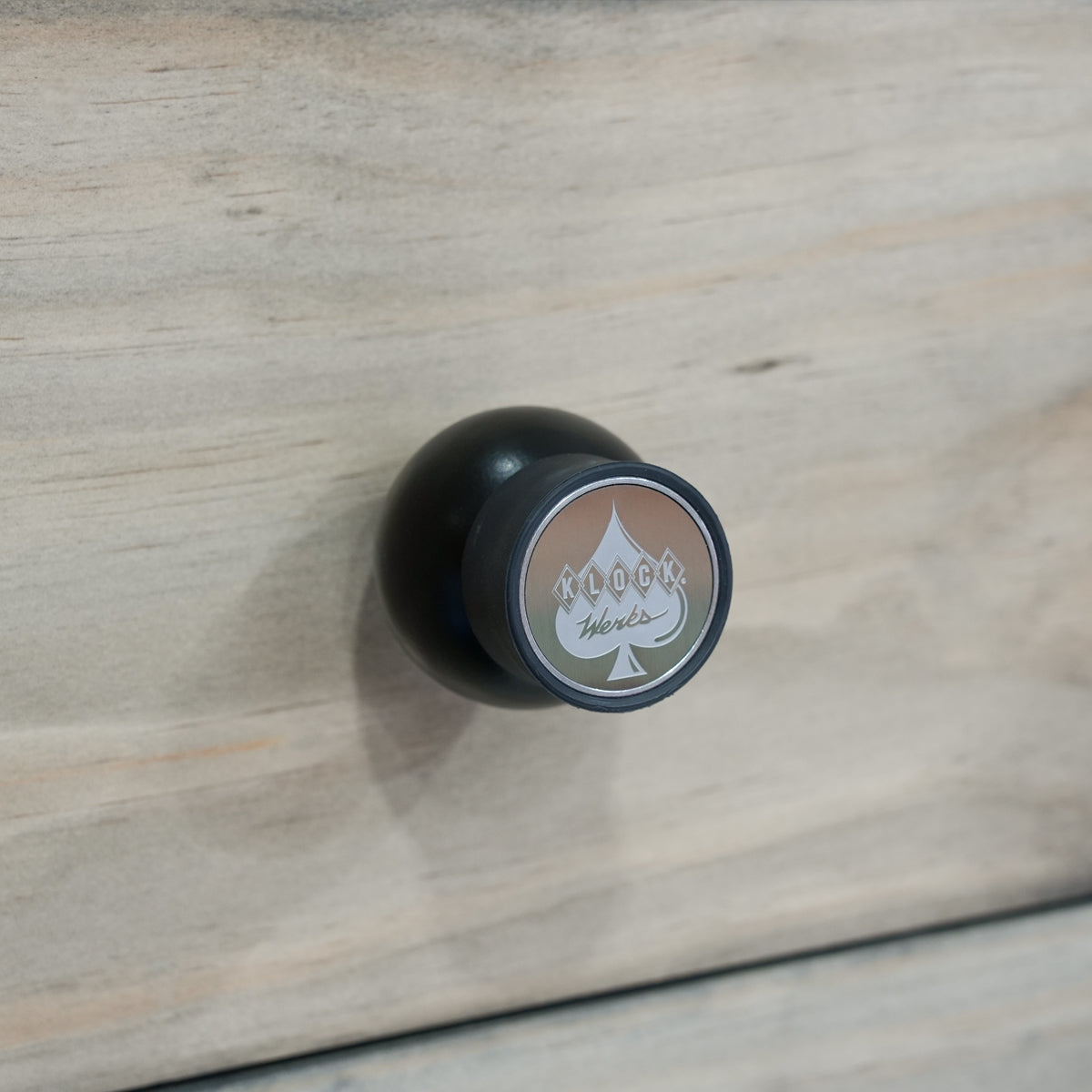
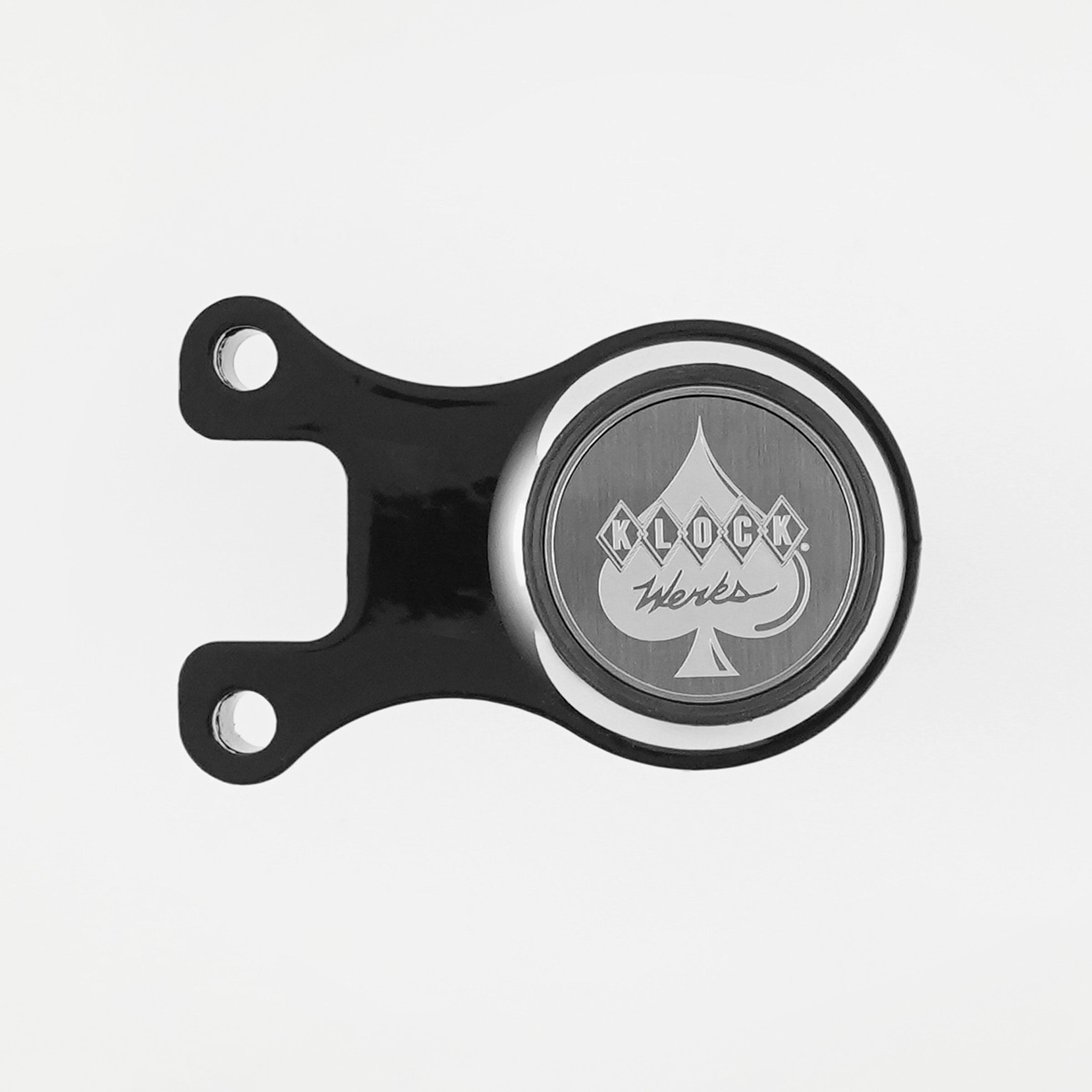
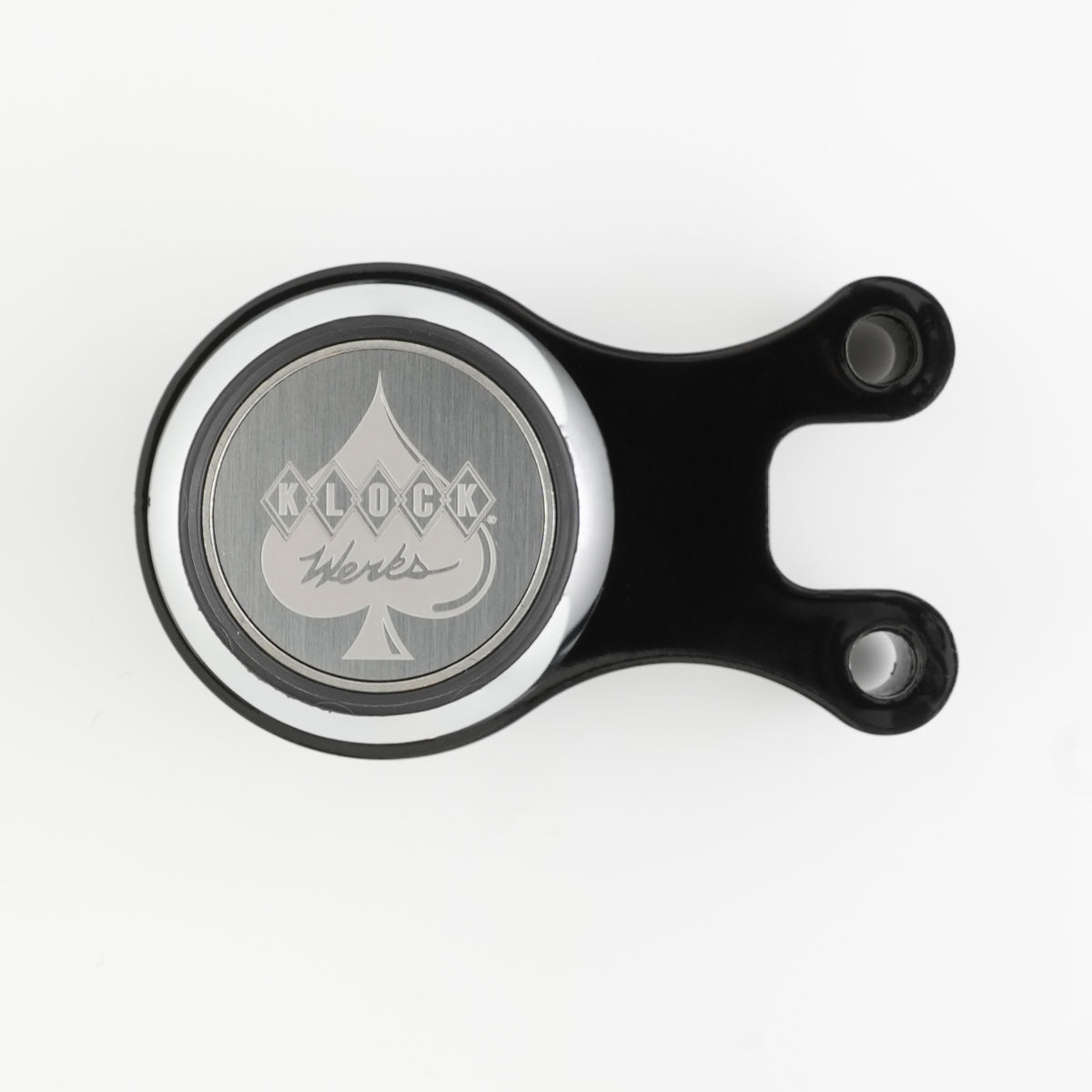
- The iOcore™ magnet is the rotational magnet that attaches a device to your mount
When paired, they create a strong magnetic connection that allows quick snap on and snap off mounting. The system is engineered to withstand vibration resistance, highway speeds, and rugged terrain while maintaining easy device access.
Mount Placement Guide by Environment
Choosing the right mount starts with knowing where you want to place your device. iOmounts® offers solutions for nearly every mounting location riders and everyday users need.
Motorcycle Mount Placements
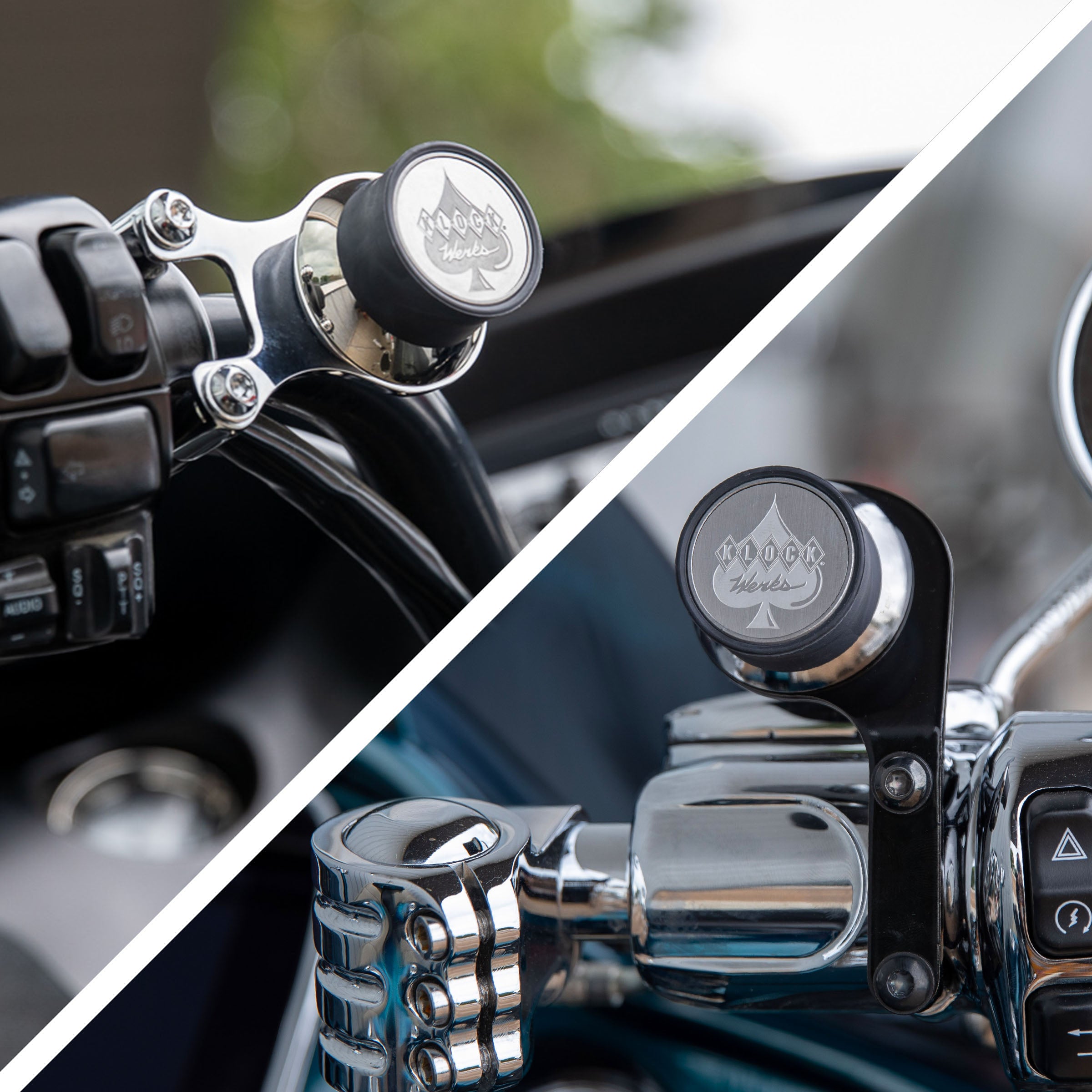
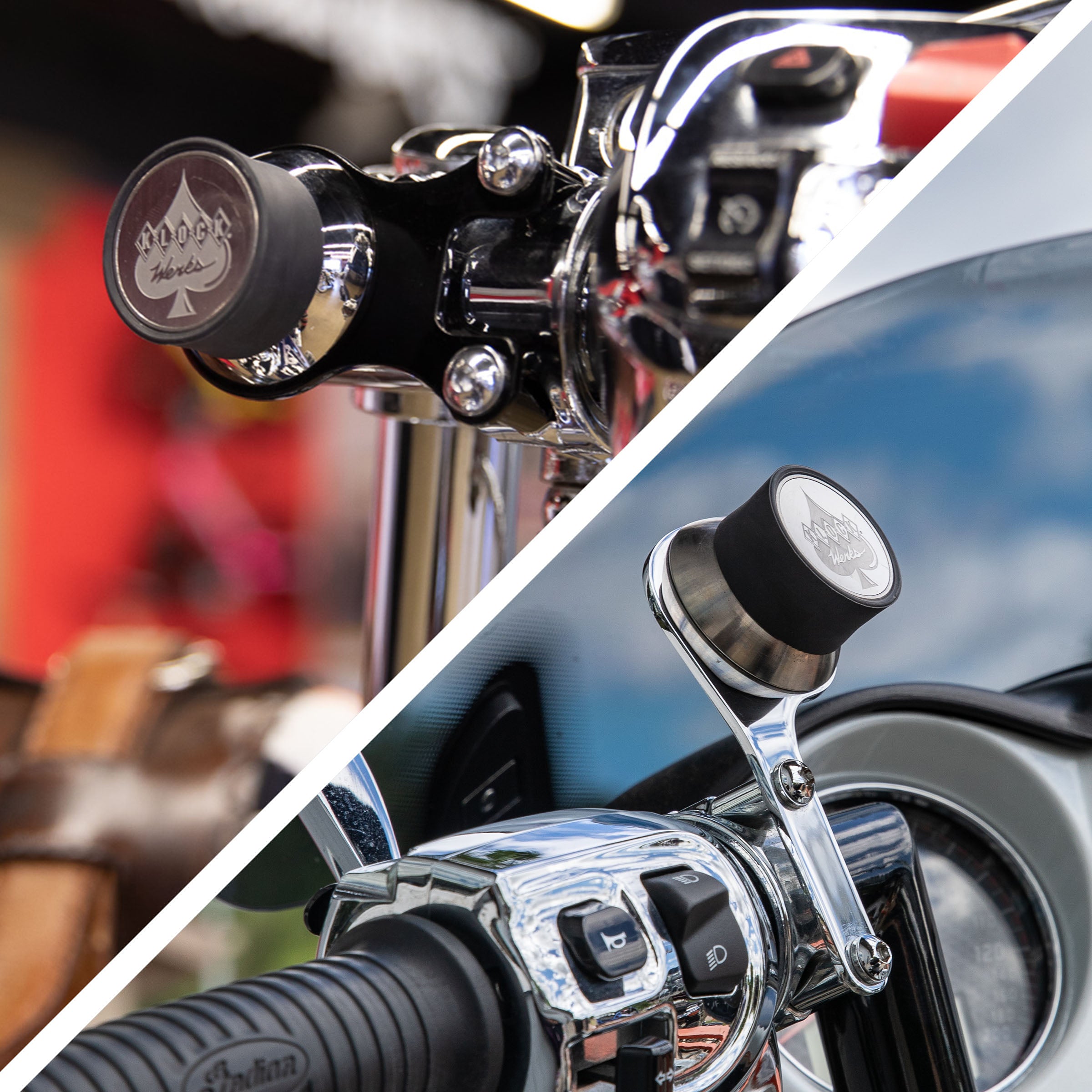
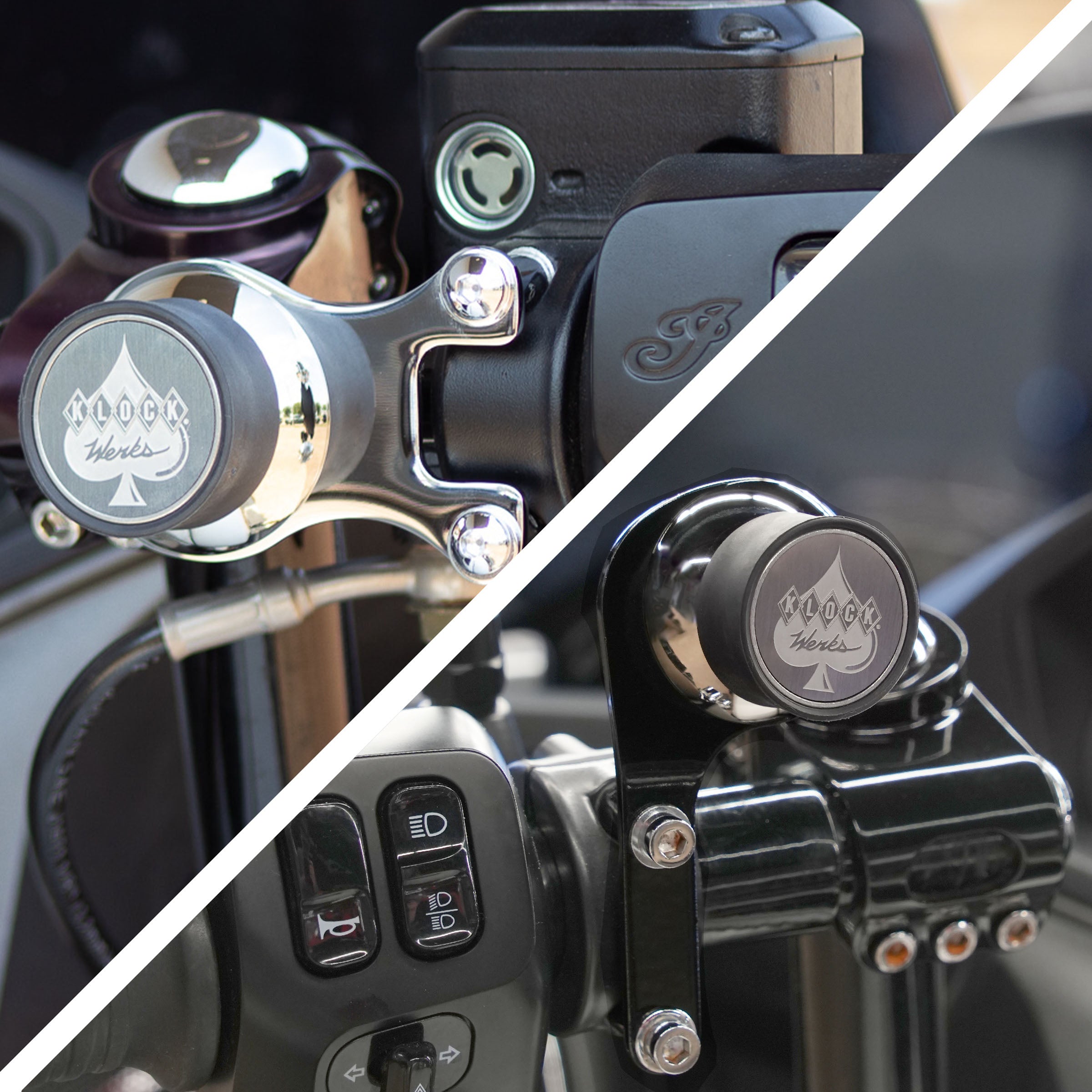
Motorcycle mounts are engineered for vibration resistance and ergonomic positioning. Common placements include:
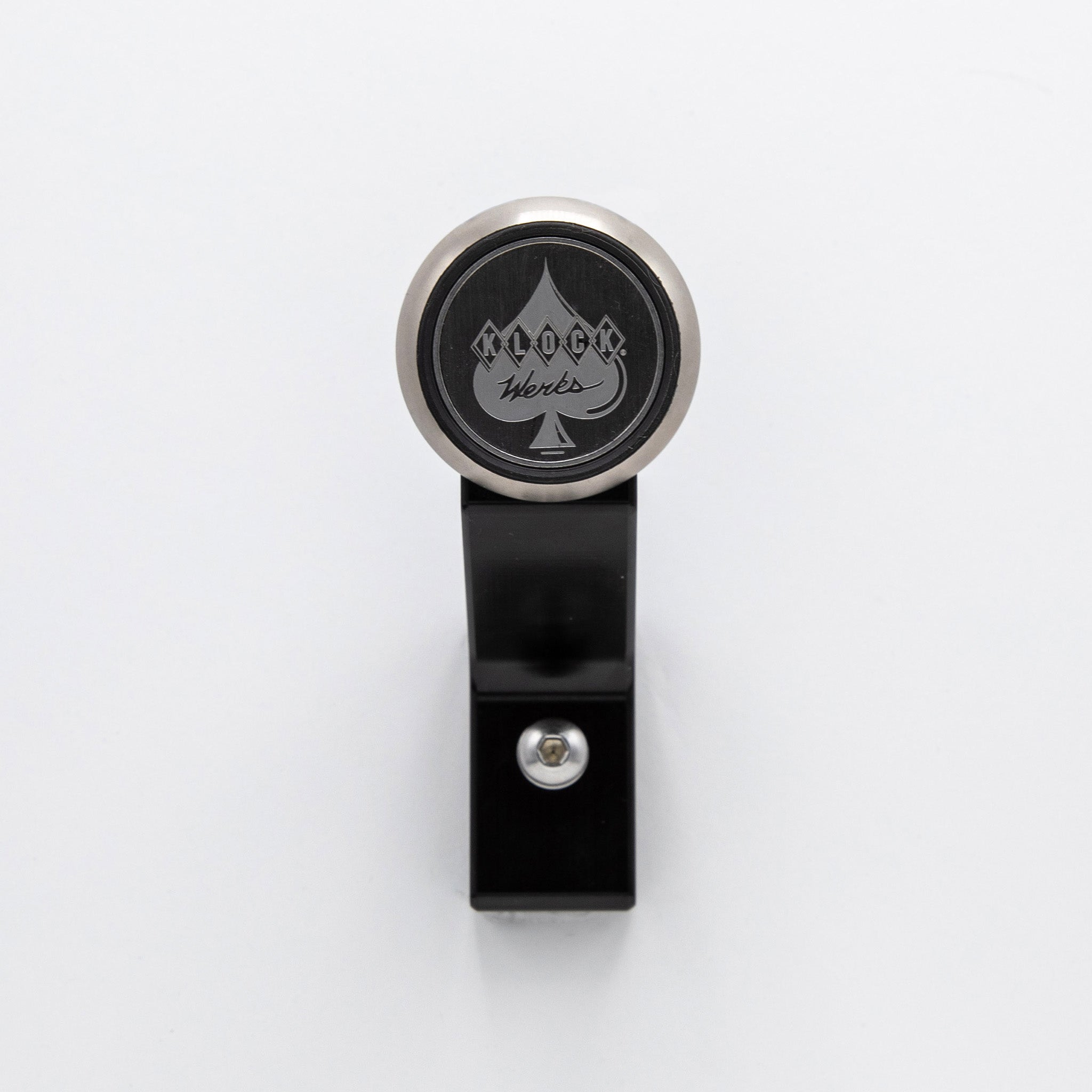
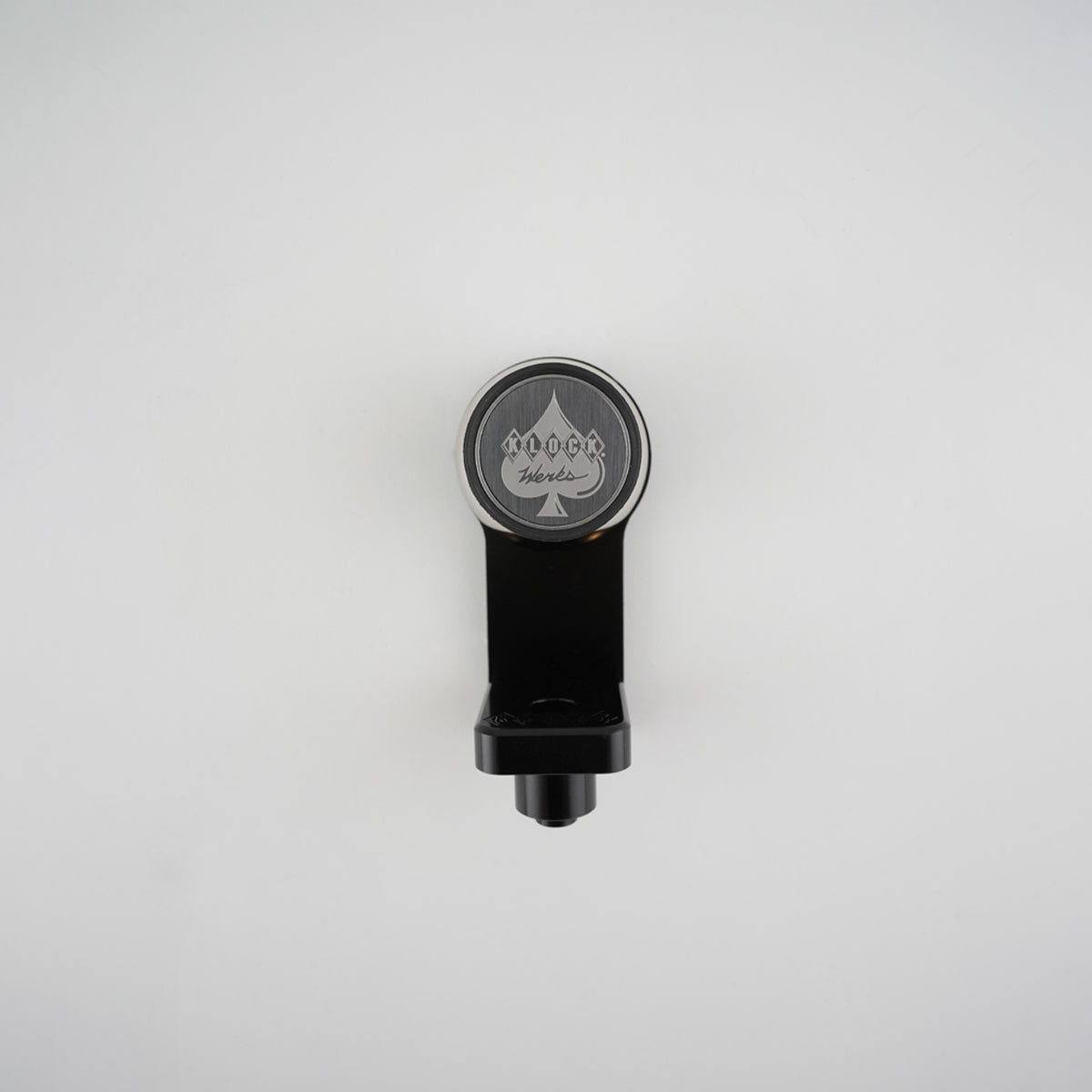
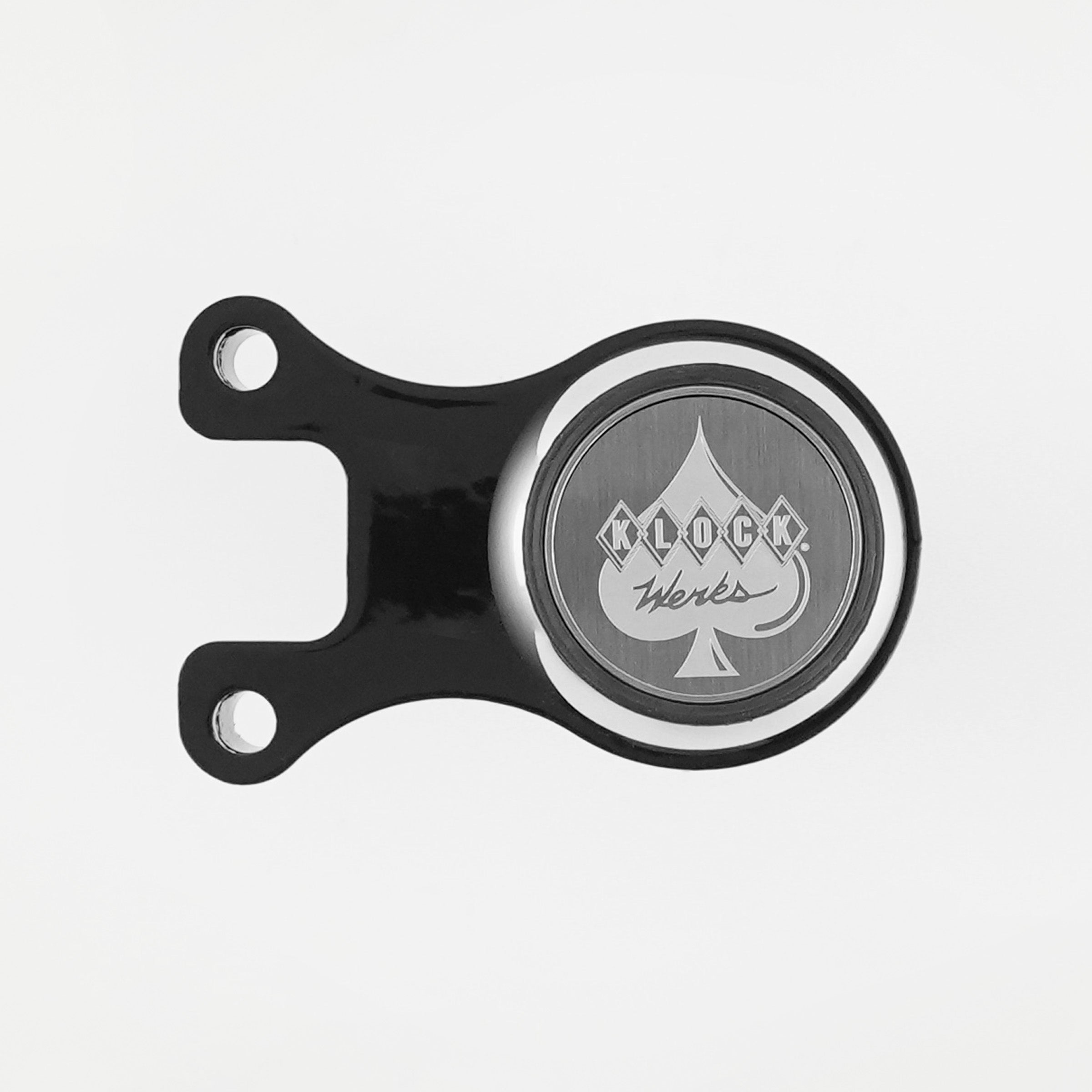
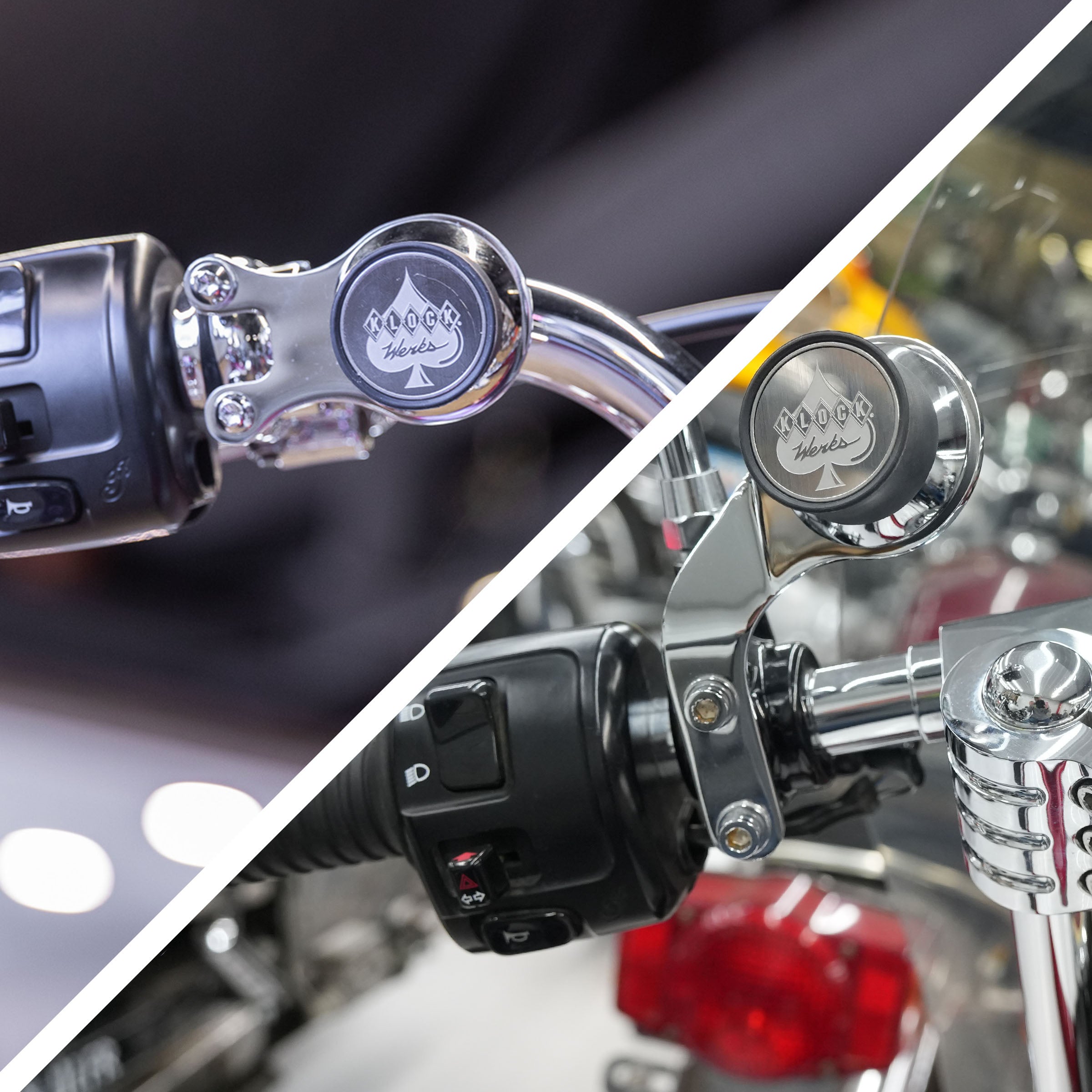
- Handlebar perch mount near controls
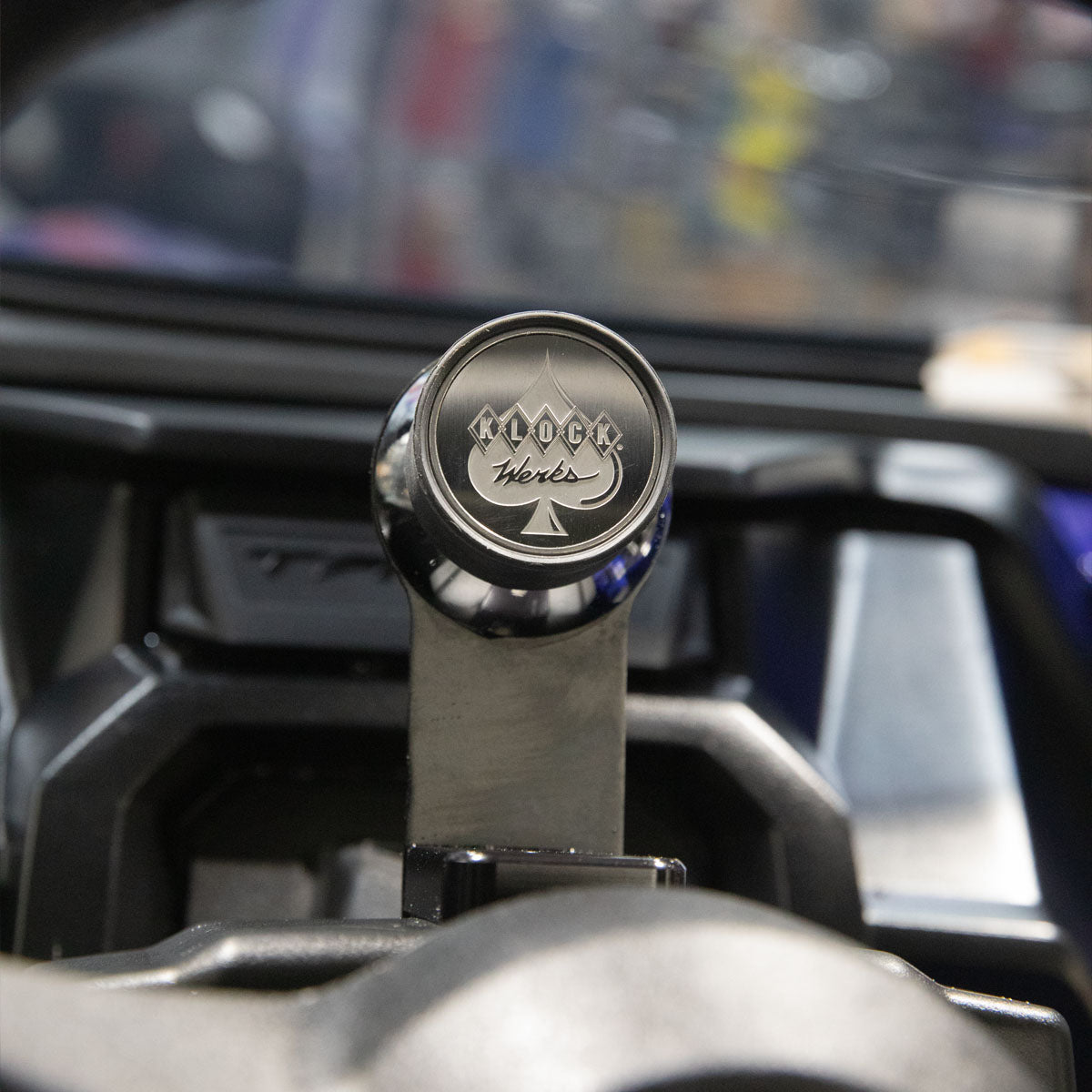
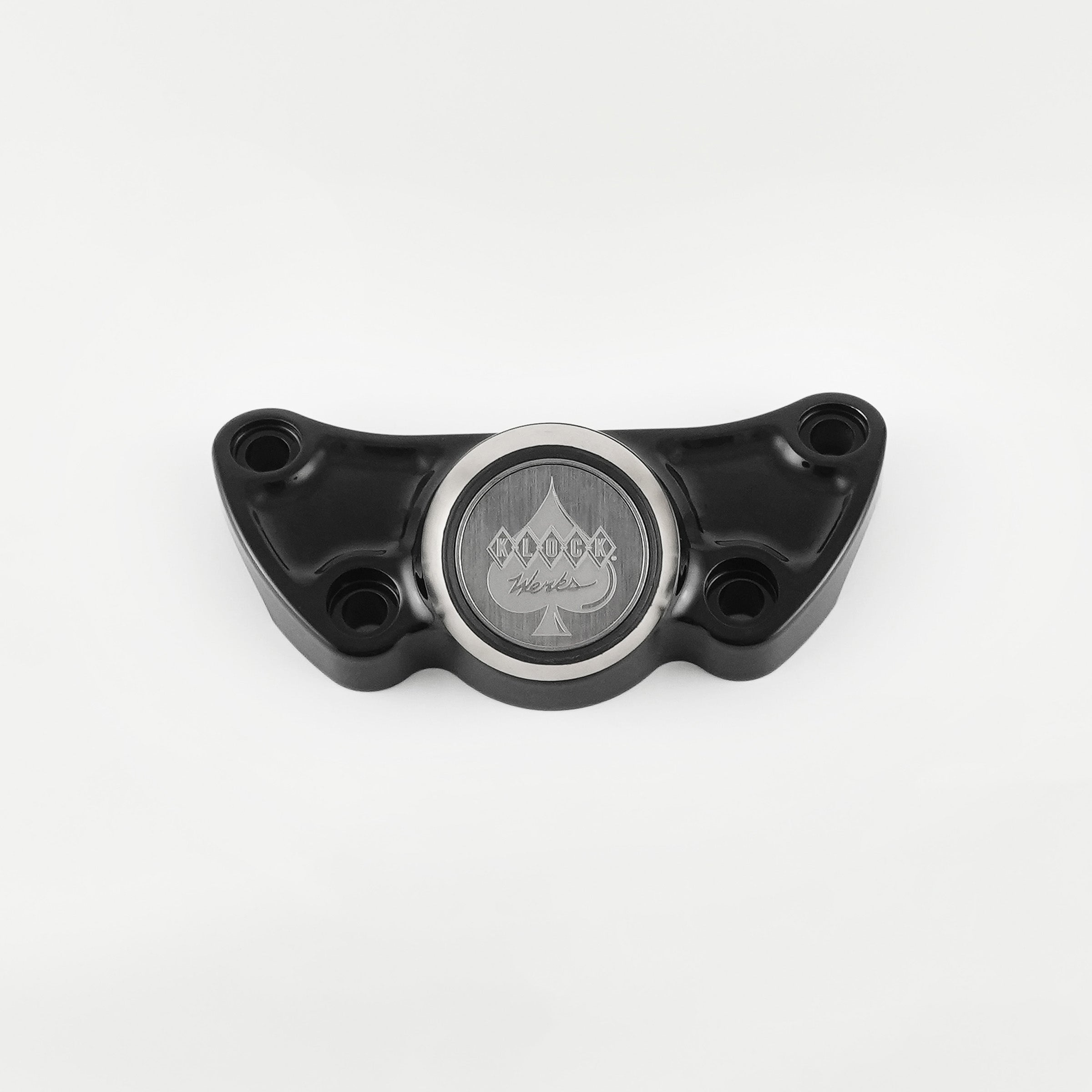
- Center riser mount above the bars
- Ambidextrous bar placement for left or right positioning
- Fairing or cockpit accessory locations
These placements allow riders to view navigation, music, or ride apps without obstructing controls.
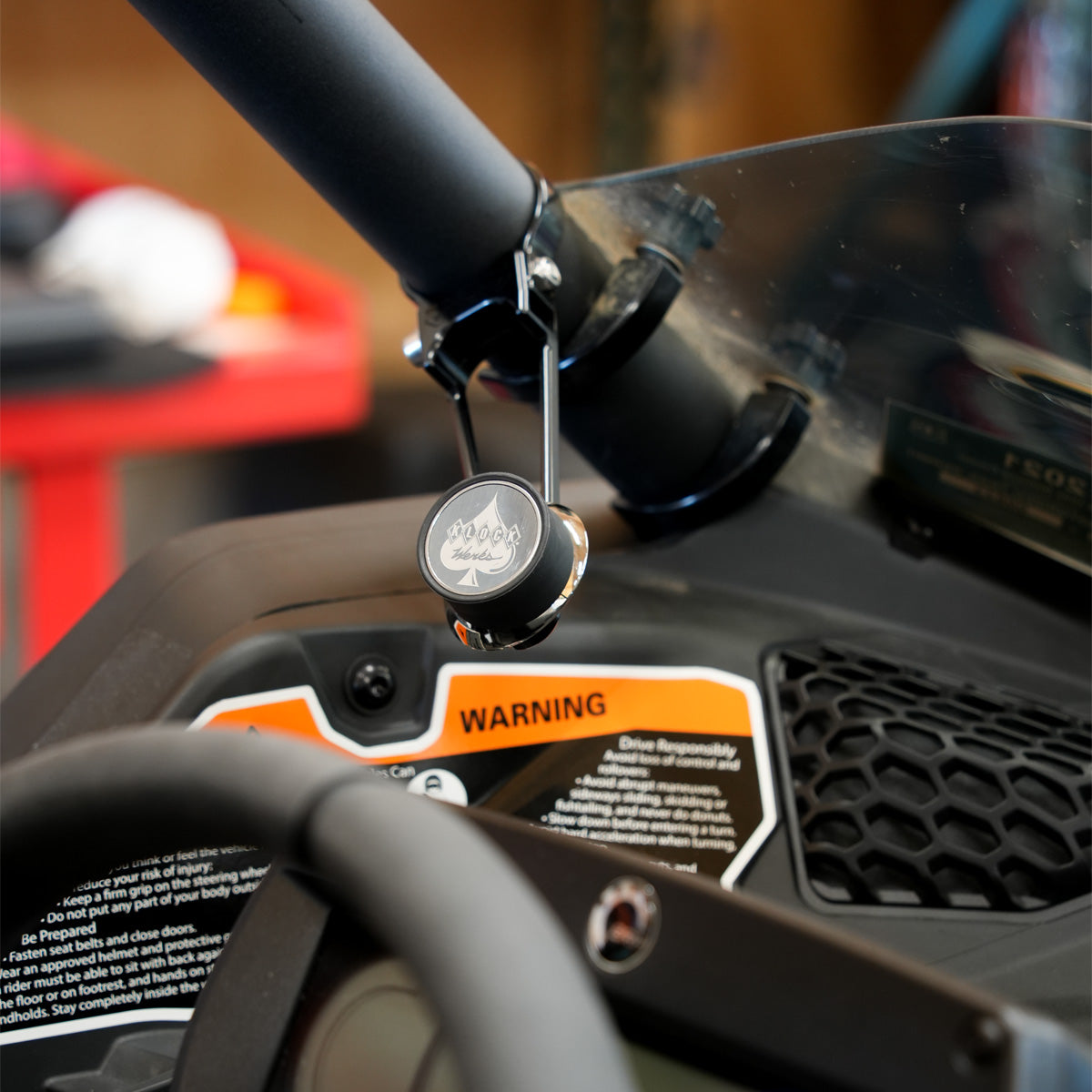
Off Road and UTV Mount Placements
Built for aggressive terrain, off road mounts secure devices where vibration and impact are highest. Popular placements include:
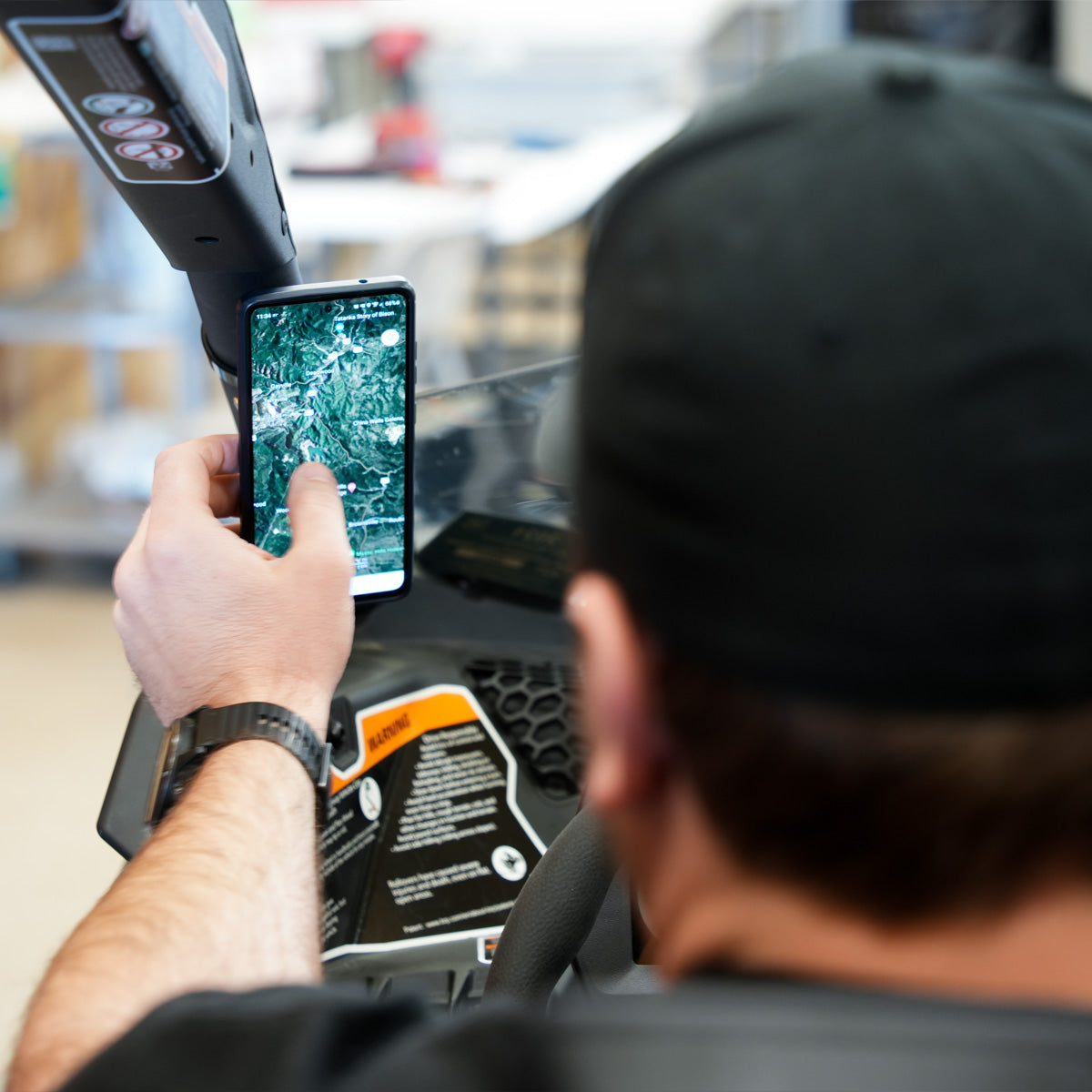
- Roll cage mounting points
- Offset cage positions
- Rocker switch panel integration
- Dashboard mounting surfaces
These mounts are commonly used with vehicles like the Polaris RZR, Honda Talon, Can-Am Maverick, and Yamaha Wolverine.
Recommended Mount Placements for Cars, Trucks, and Semis
Vehicle interiors vary, so mount placement should prioritize safety and visibility.
Common placement zones include:
- Dashboard mounting for quick navigation access
- Windshield suction placement within legal sight lines
- Center console or accessory panel mounting
- Sleeper cab or secondary device viewing areas
These placements support navigation apps, dispatch communication, and hands free operation while keeping controls accessible.
Agricultural and Heavy Equipment Mounts
Cab layouts vary widely, but practical mounting zones include:
- Dashboard, window, windshield, or instrumentation panel surfaces
- Cab side pillars or interior panels
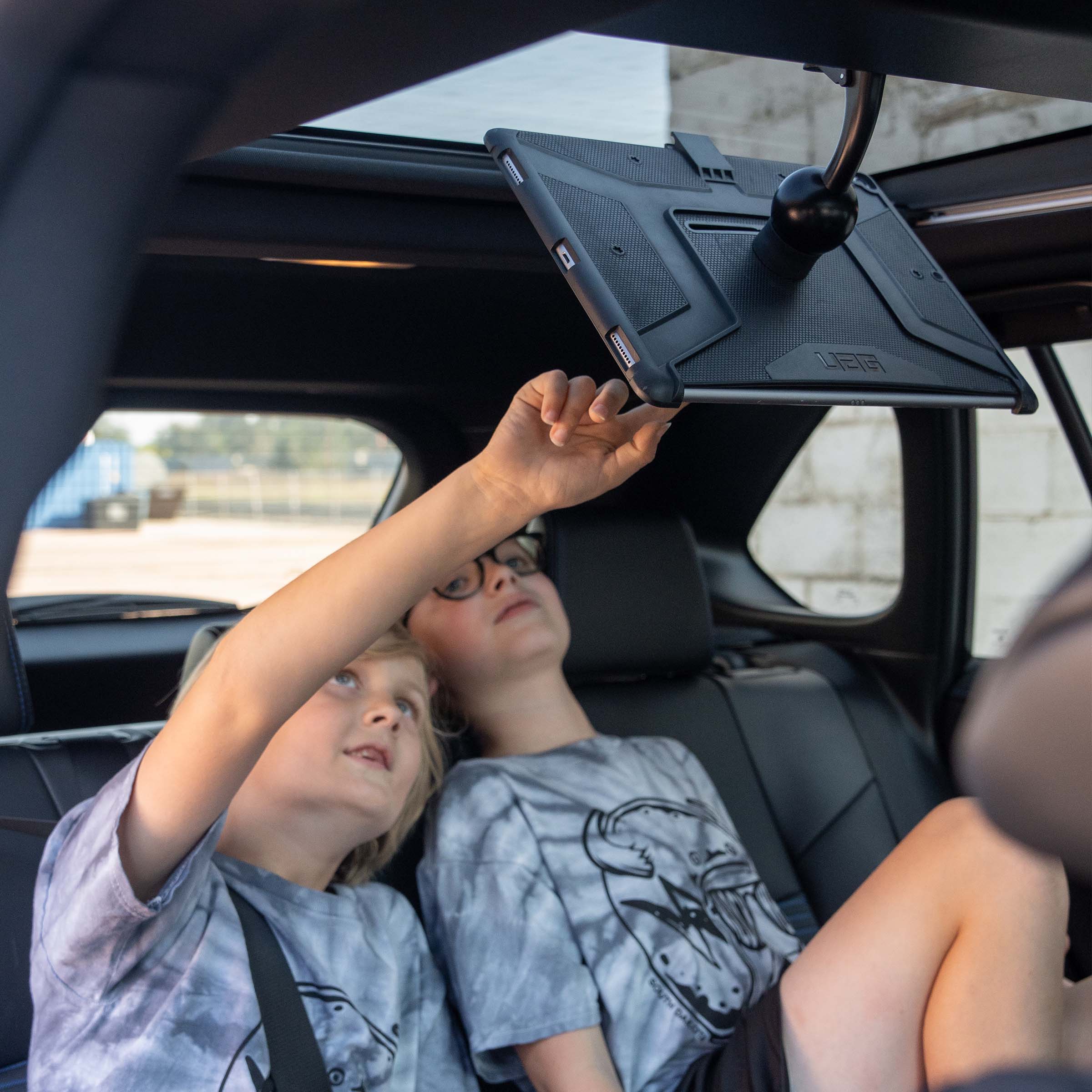
- Overhead or accessory rails
- Console mounting areas near operator seating
- Metal rails and surfaces inside interior cabin
These placements keep tablets visible for mapping or machine data while maintaining operator safety.
Home, Clinic, Retail, and Office Mount Placements
Workspace mounts support productivity and organization. Placement options include:
- Desktop tablet stand positioning
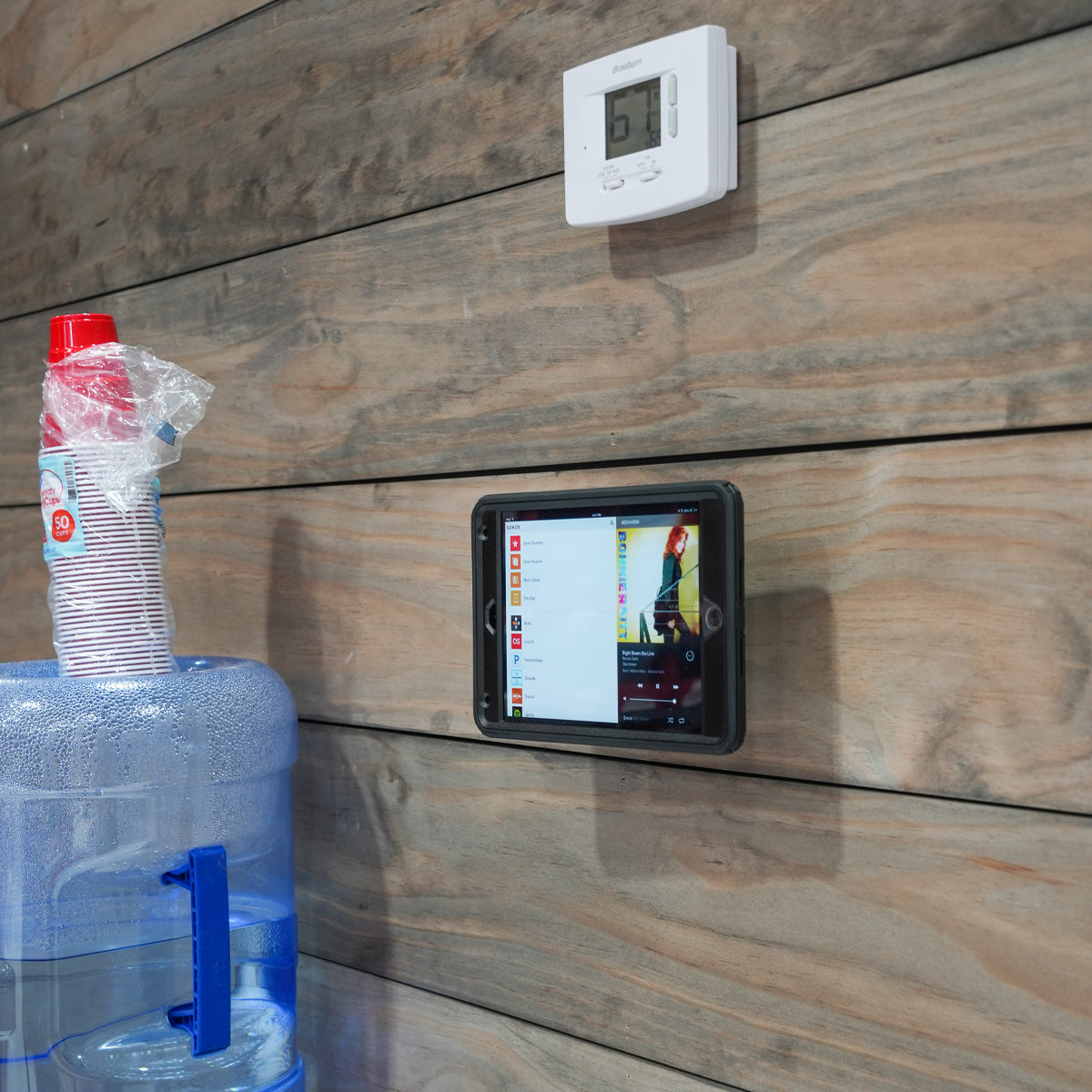
- Wall mounting for clinics, kitchens, or rehab centers
- Floor stand viewing setups and retail floors
- Countertop device display and access
These mounts are compatible with phones, tablets, and e readers.
Bicycles and Handlebar Applications
Proper placement improves visibility while preserving safe control.
Common mounting positions include:
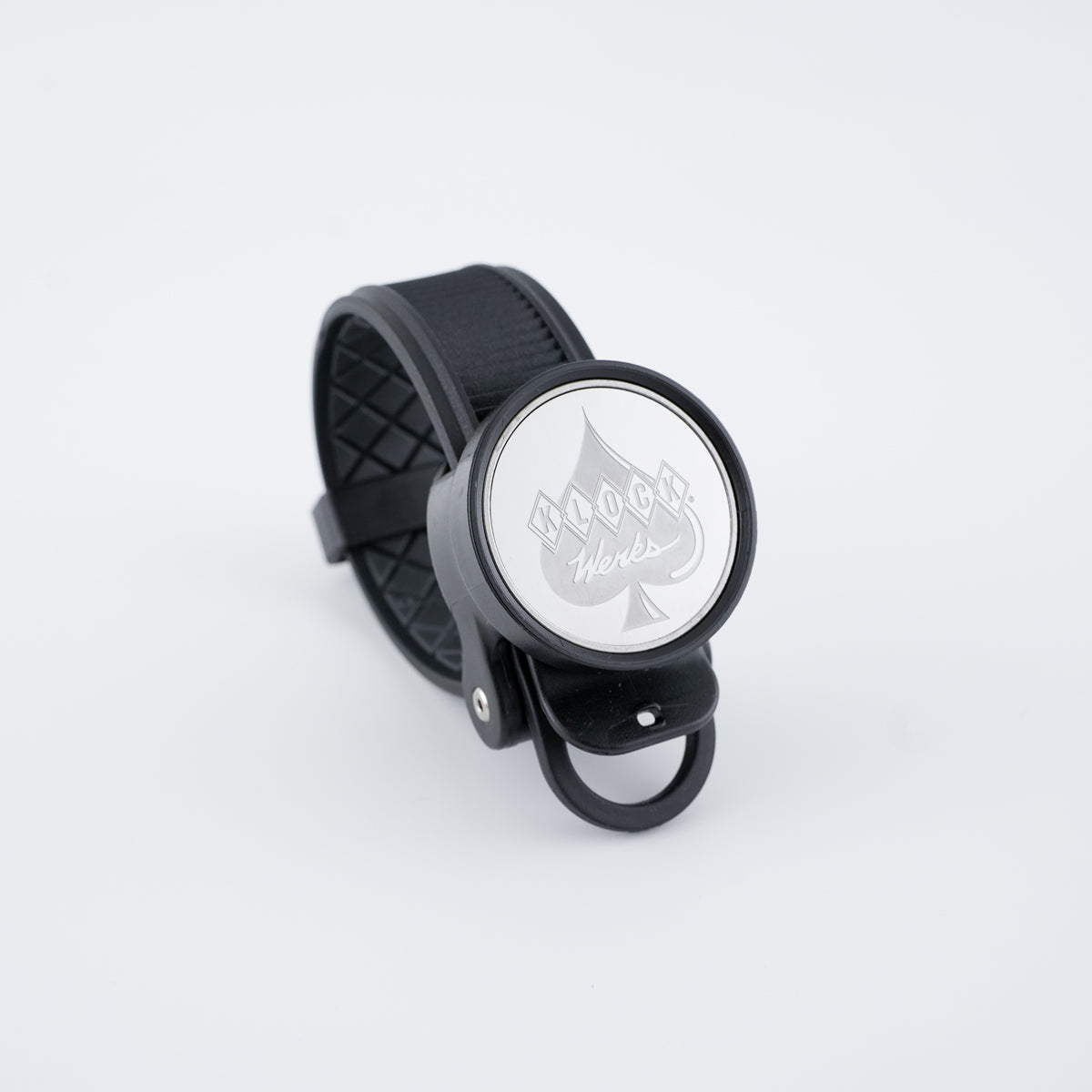
- Center handlebar position near the stem
- Stem cap or stem face area
- Designed to fit most flat bar mounting zones on commuter and mountain bikes
- General handlebar and tubing applications
These placements allow riders to monitor navigation apps, cycling computers, fitness tracking, and ride data without interfering with braking or shifting.
Universal Mount Placements for Boats, Gym, Garage Shop and Beyond
Universal mounts allow flexible placement in cars, boats, bicycles, and other environments. Common placements include:
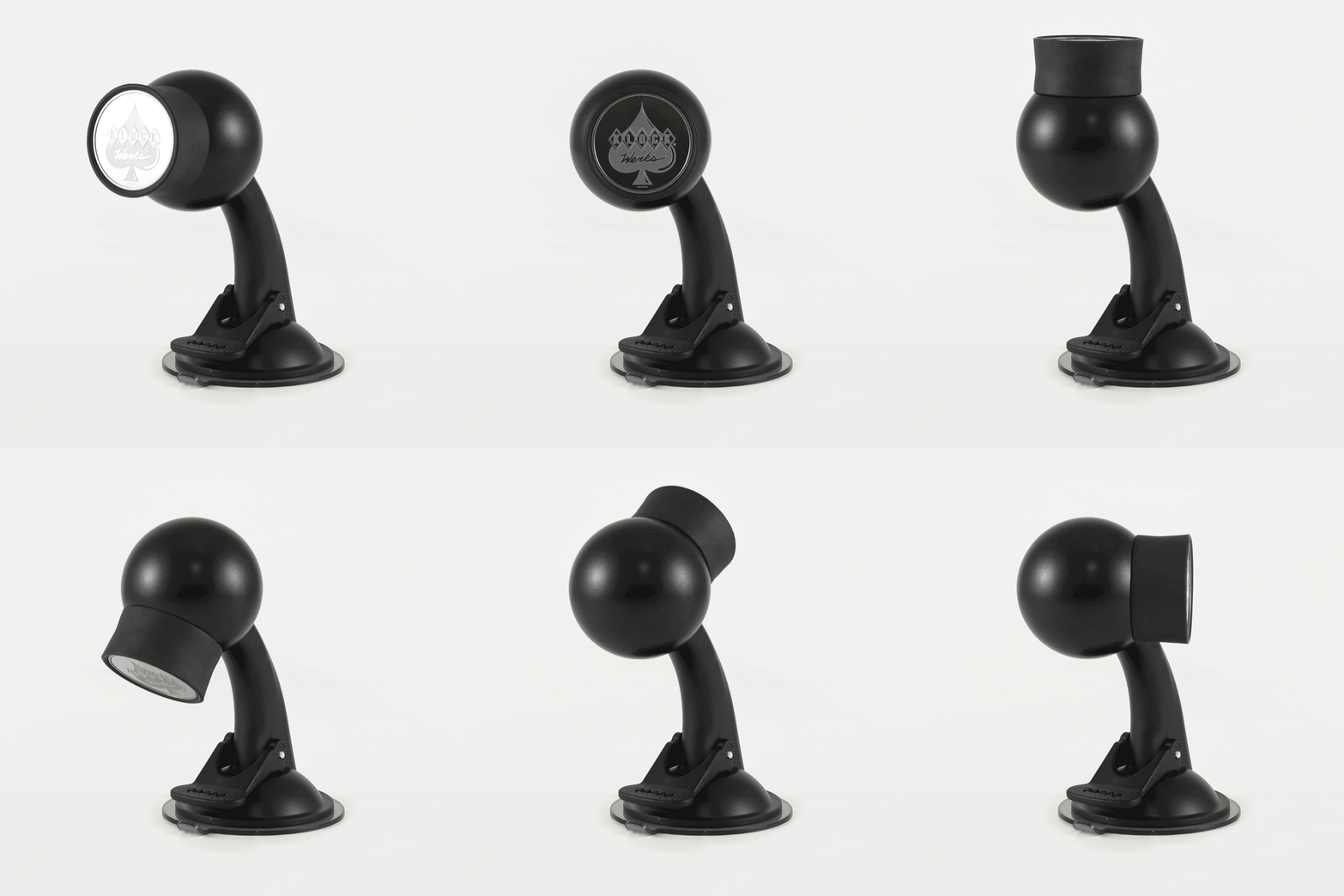
- Windshield suction mounting
- Dashboard adhesive mounting
- Smooth flat surfaces
- These options are ideal for users who want cross platform mounting flexibility.
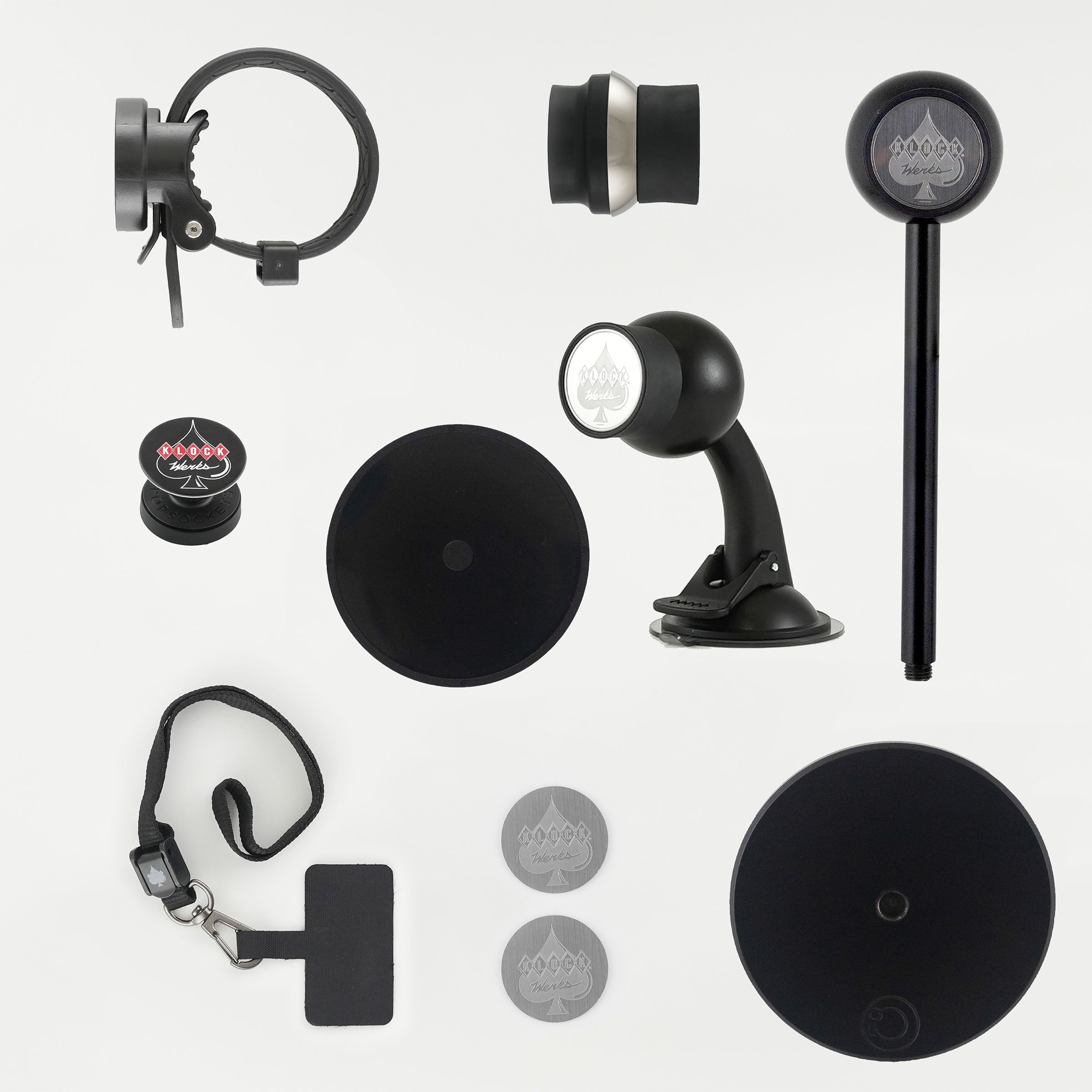
Accessories and Expansion Options
System accessories enhance compatibility and security:
- Replacement or additional iOdiscs
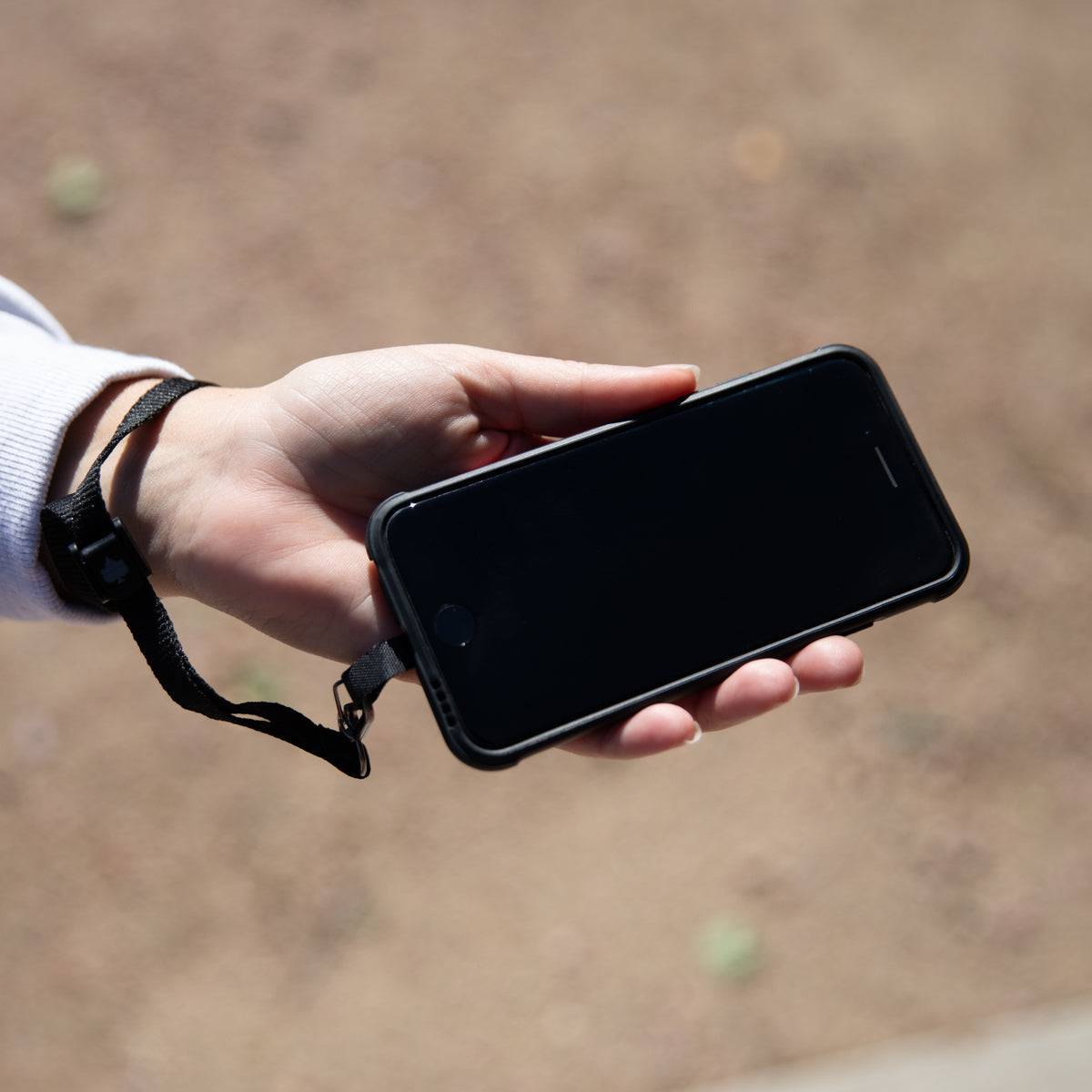
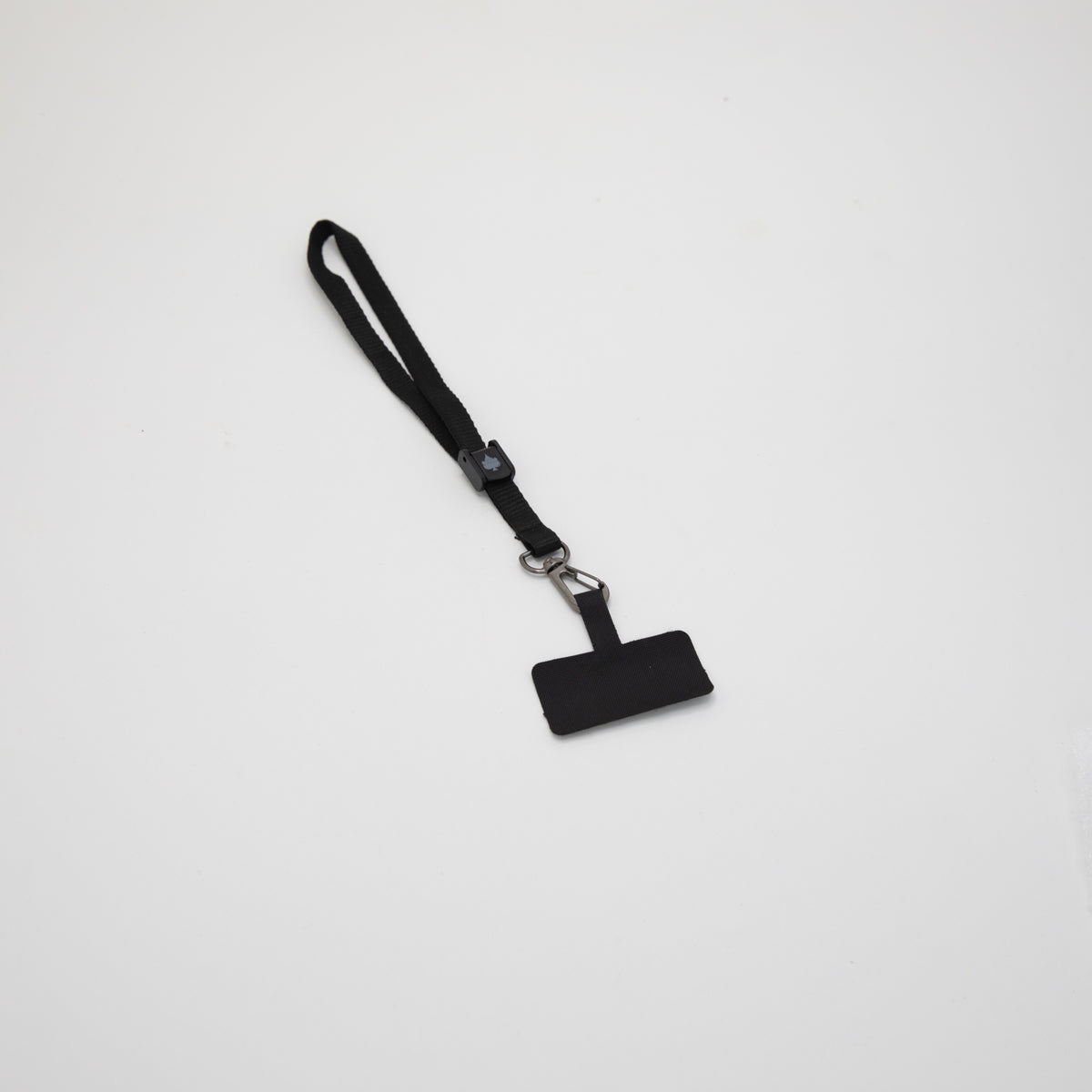
- Device tether options
- Inductive Charging Compatible iOdiscs
These components allow the system to scale as your mounting needs change.
How to Choose the Right iOmounts® Setup
Consider the following when selecting your mount:
- Where will the device be placed
- Type of vehicle or environment
- Desired viewing angle and ergonomics
- What devices will be used
- Need for cross platform compatibility
Most riders and users combine mounts across environments using the same magnetic interface.
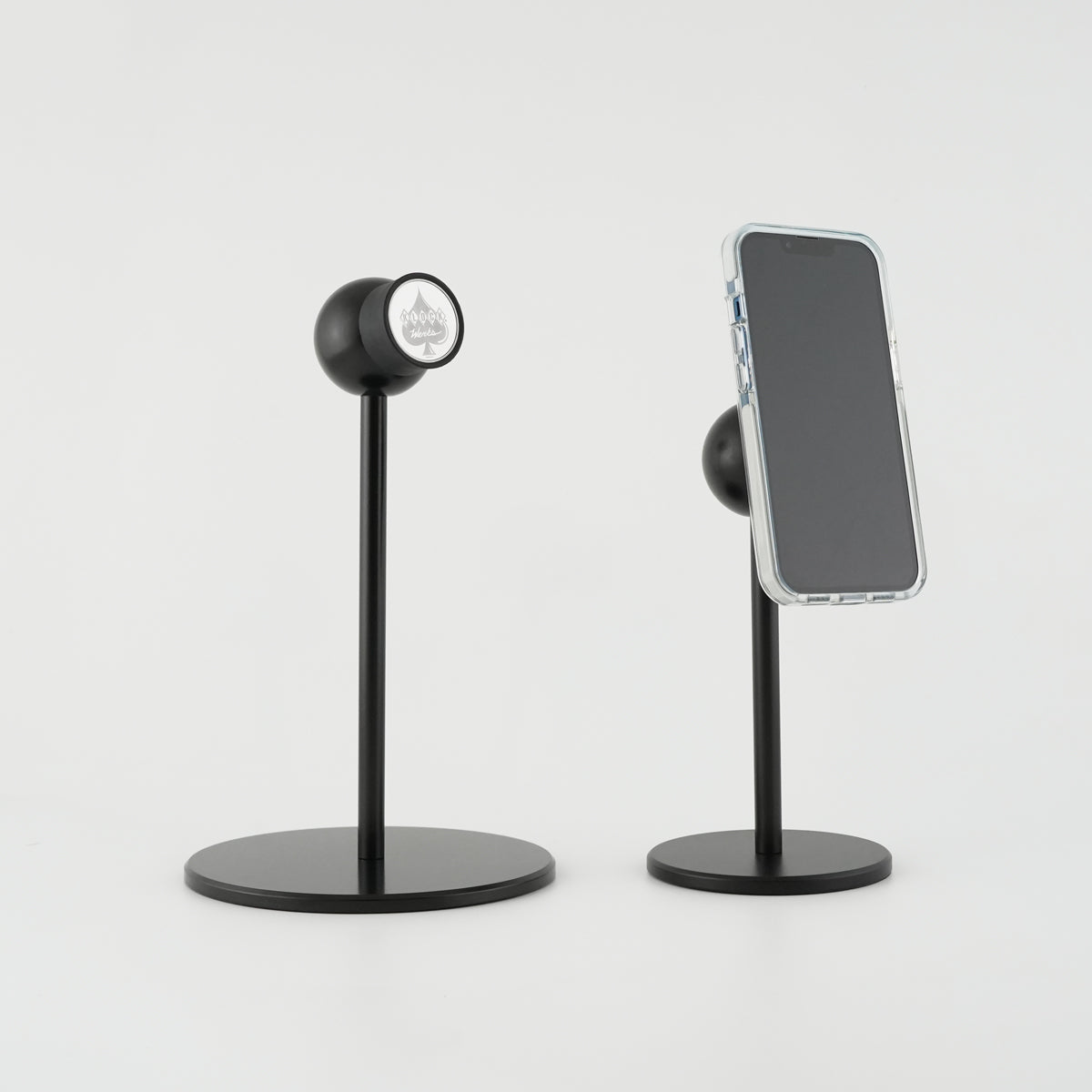
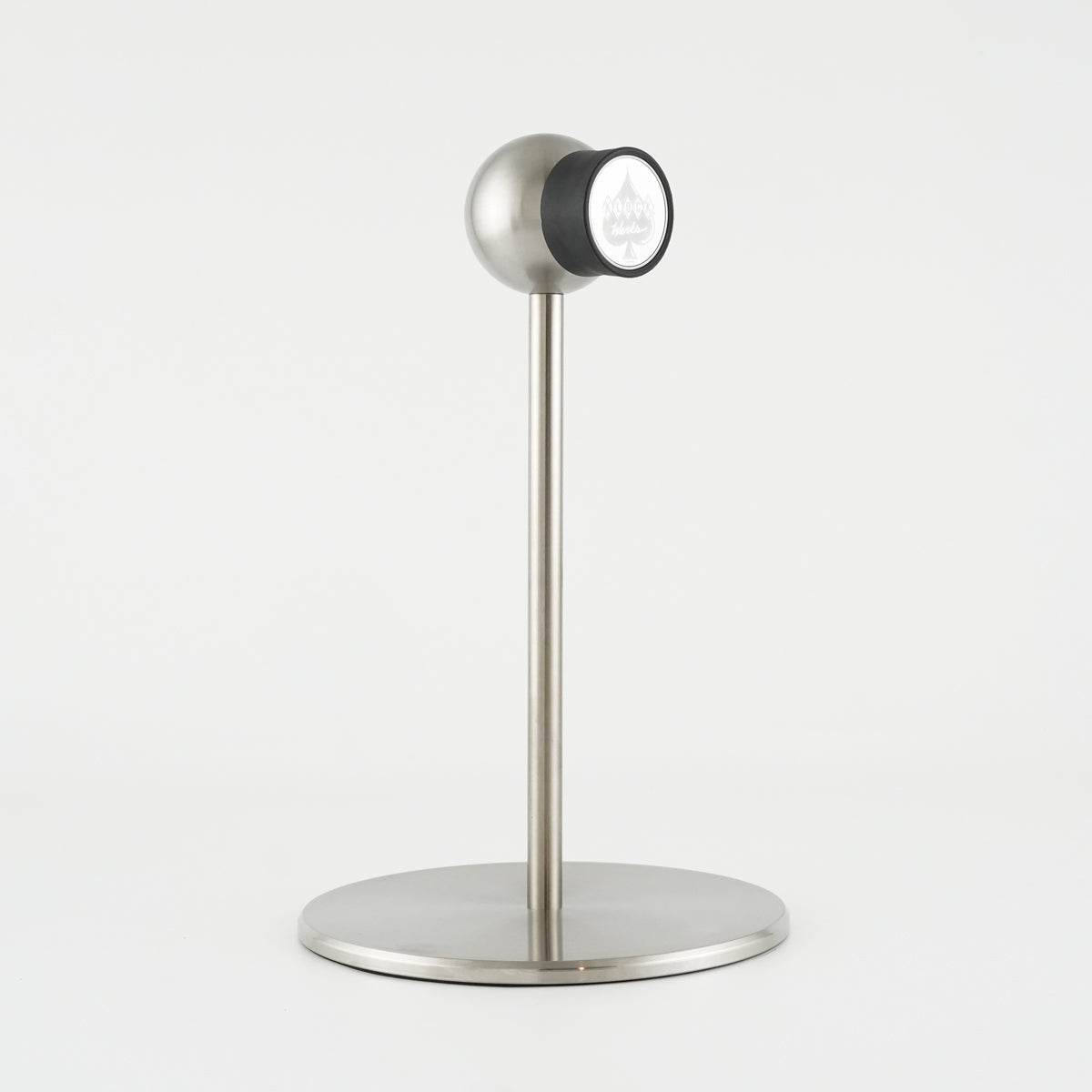
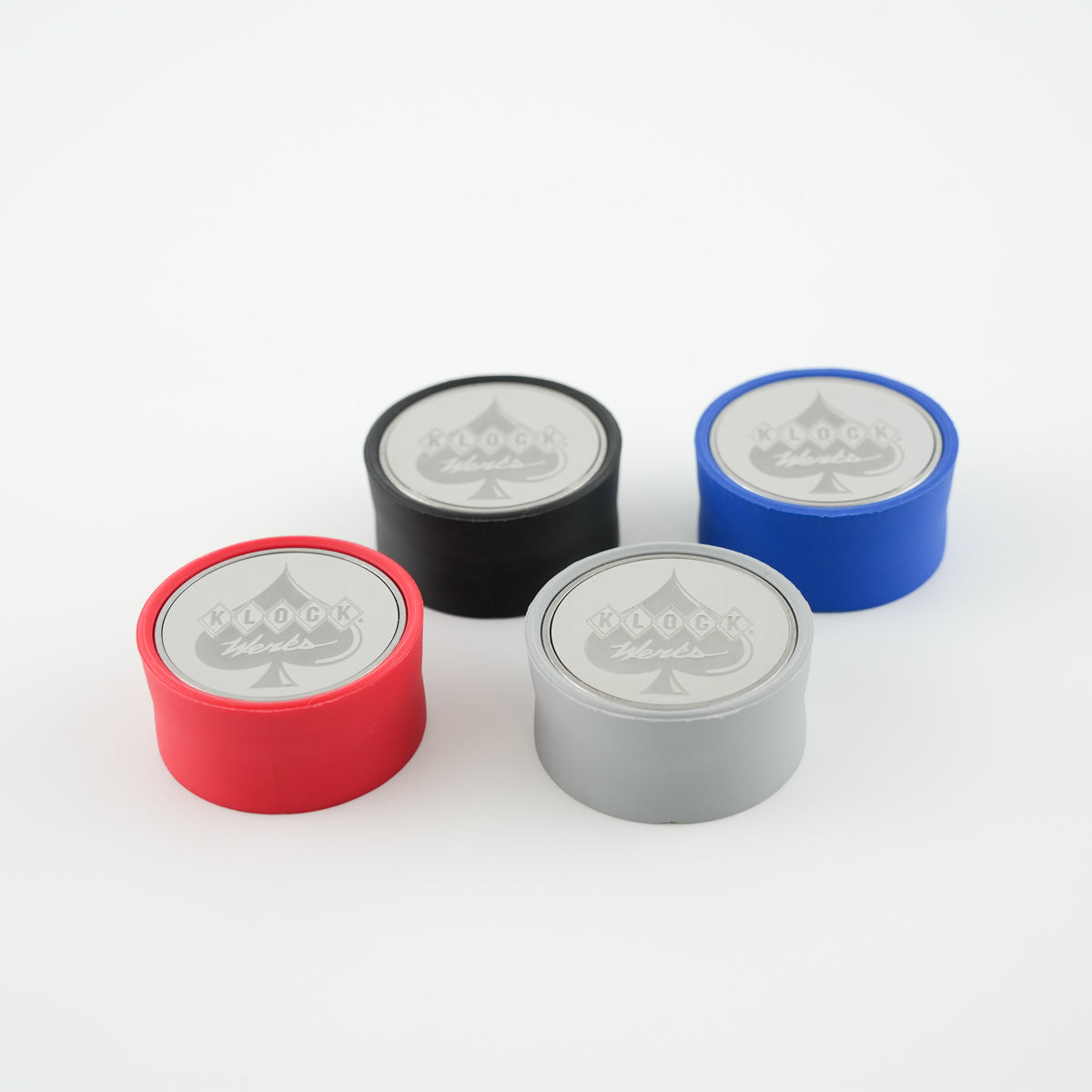
4 colors available
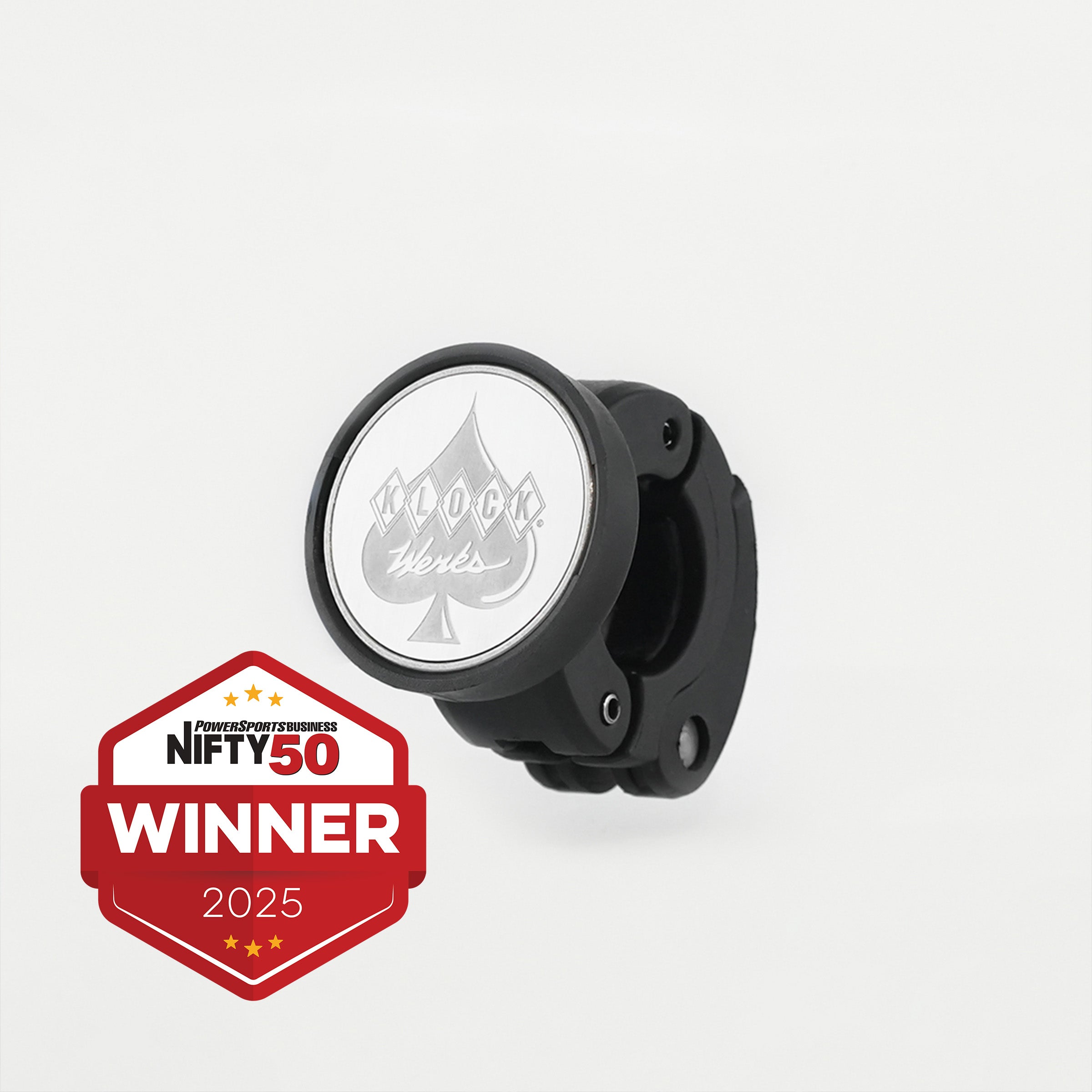
2 colors available
2 colors available
2 colors available


2 colors available